
RBQ-Lab
Introduction
RBQ-Lab user guide
This document explains the basic procedure to train RBQ10 quadruped locomotion policy in Isaac Sim / Isaac Lab, then replay (Play) and use the outputs for deployment.
System Requirements
For RBQ-Lab, the following environment is recommended:
- OS: Ubuntu 22.04 (x86)
- GPU: CUDA-capable NVIDIA GPU
- Disk: minimum 80 GB, recommended 120 GB or more (includes Isaac Sim / Isaac Lab / Conda / cache)
- Network: initial setup needs large downloads (
wget,git clone,pip)
NOTE
Version pins
For the actual operating versions, check the pins in dependencies.yaml and scripts/setup.bash first.
Process overview
The default workflow is:
Setup → Train → Play → Deploy
- Setup: install dependencies/environment with
setup.bash - Train: train the
rbq10task - Play: replay/verify the
rbq10_playtask - Deploy: use the exported policy artifacts (
policy.onnx,info.json, etc.)
| Isaac Sim | Mujoco |
|---|---|
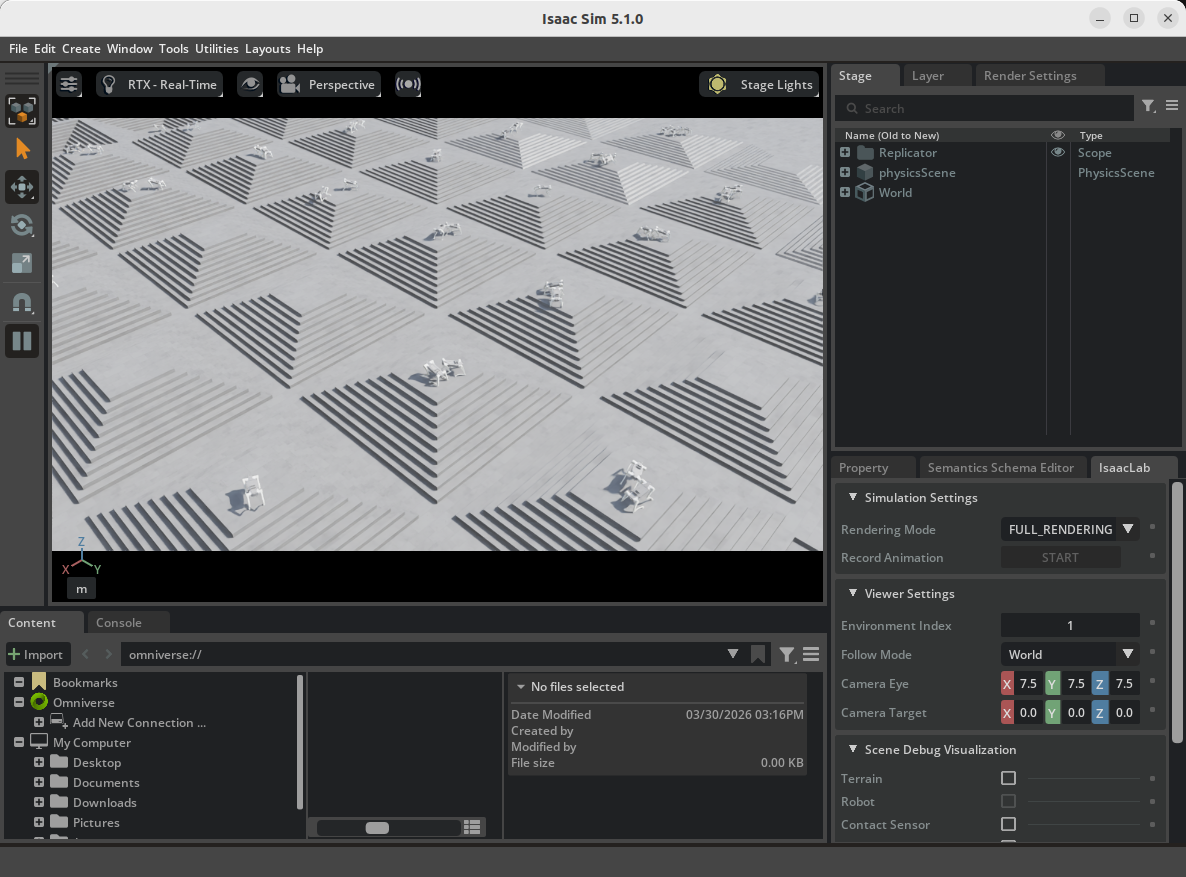 | 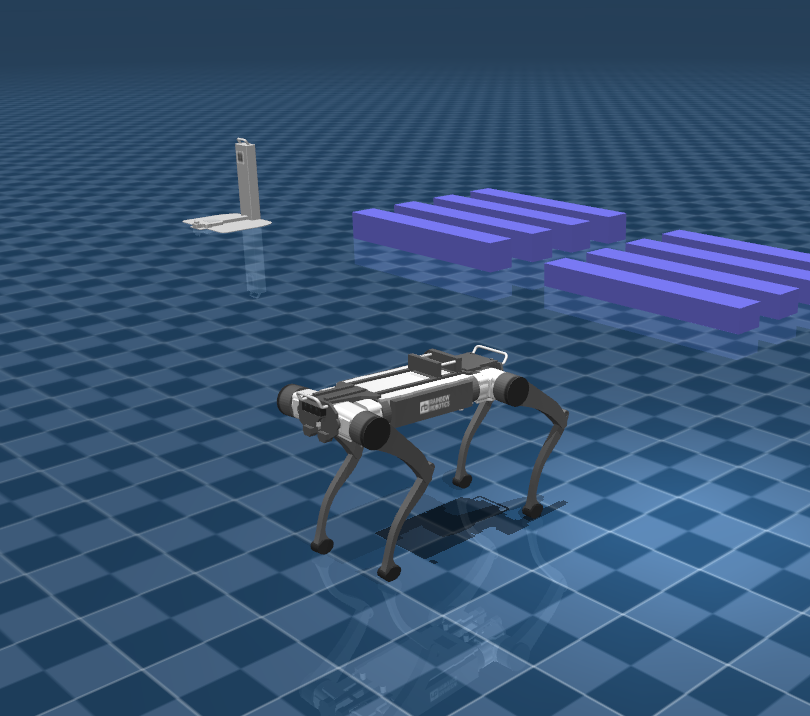 |
Setup
Go to the rbq_lab directory:
cd <your workspace>/RBQ/rbq_labInside the rbq_lab directory, run:
bash scripts/setup.bashTrain
Default training:
bash scripts/train.bashDefault task is rbq10. Training logs are usually stored under logs/rsl_rl/<experiment_name>/....
Options available in train.py (reference)--task, --num_envs, --device, --headless, --resume, --checkpoint, --max_iterations, --seed, --video, etc. Full list: bash scripts/python.bash rbq_lab/train.py --help.
If you want to hardcode options, edit the train.py invocation inside scripts/train.bash. Since execution is mostly headless, the training window may not appear (which can be normal).
| Train RBQ-Lab |
|---|
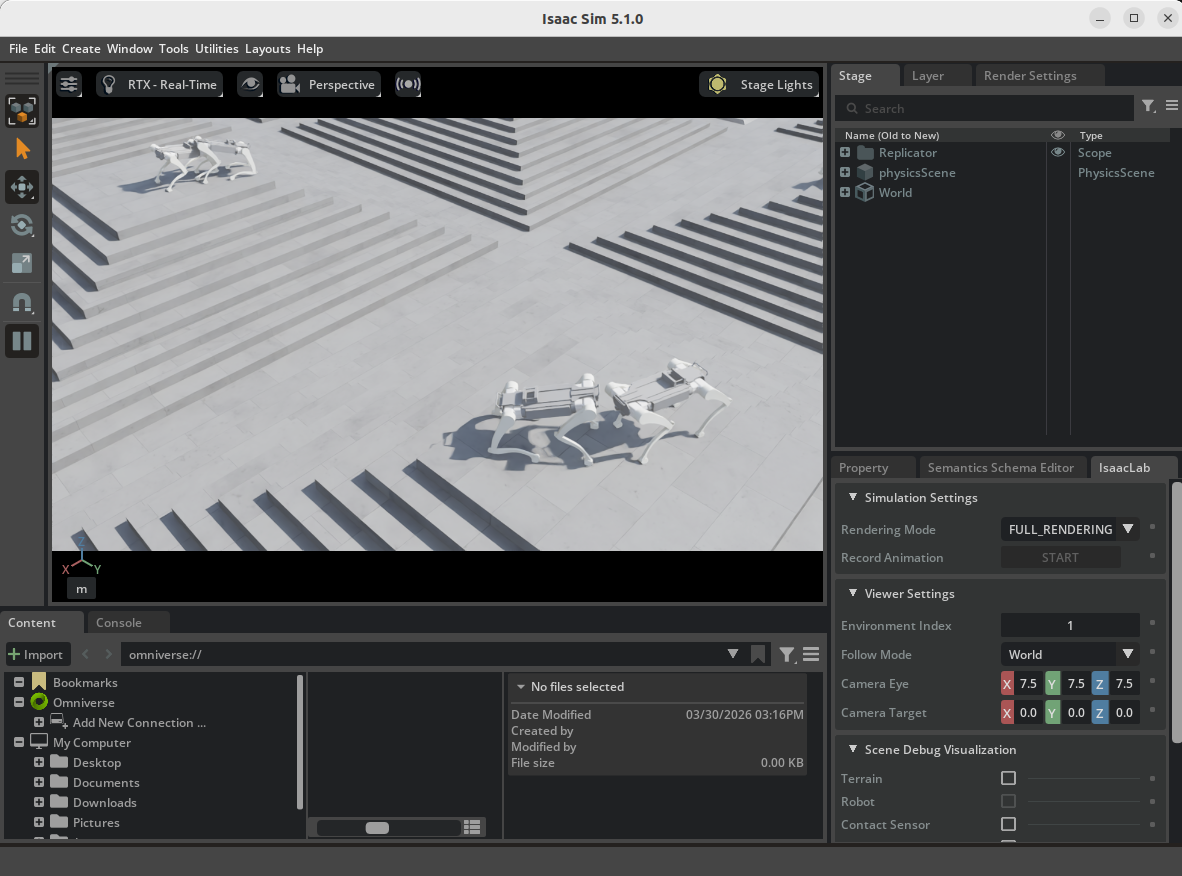 |
Training logs: logs/rsl_rl/<experiment_name>/...
Play
Default replay:
bash scripts/play.bashDefault task is rbq10_play. Training checkpoints (.pt) are typically under logs/rsl_rl/<experiment_name>/.../model_*.pt. When running Play, specifying the exact model_*.pt path via --checkpoint is the most reliable.
Options available in play.py (reference)--use_pretrained_checkpoint, --no_keyboard, --real-time, --video, --checkpoint, etc. Full list: bash scripts/python.bash rbq_lab/play.py --help.
If you want to hardcode options, edit the play.py invocation inside scripts/play.bash.
| Play RBQ-Lab |
|---|
Deploy
To evaluate the trained policy and deploy it to the real robot, refer to rbq_low_level.
After Play, policy.jit, policy.onnx, and info.json may be generated under logs/<experiment_name>/exported/.
Directory structure
rbq_lab/
├── 3rdparty
├── policy
│   └── rbq10
│       ├── info.json
│       └── policy.onnx
├── rbq_lab
│   ├── envs
│   │   ├── base
│   │   │   ├── base_task.py
│   │   │   └── base_task_cfg.py
│   │   ├── __init__.py
│   │   └── rbq10
│   │       ├── __init__.py
│   │       ├── env.py
│   │       ├── env_cfg.py
│   │       ├── env_mdp.py
│   │       ├── rbq10.py
│   │       └── rsl_rl_ppo_cfg.py
│   ├── __init__.py
│   ├── play.py
│   ├── train.py
│   └── utils
│       ├── camera.py
│       ├── cli_args.py
│       ├── keyboard.py
│       ├── marker.py
│       ├── math.py
│       └── rough.py
├── scripts
│   ├── activate.bash
│   ├── clear.bash
│   ├── configure.bash
│   ├── isaacsim.bash
│   ├── play.bash
│   ├── python.bash
│   ├── setup.bash
│   └── train.bash
├── dependencies.yaml
└── setup.py- USD and other assets can be placed under a separate
resources/directory; code usesLAB_ASSET_DIR. - Training logs:
logs/rsl_rl/<experiment_name>/... - Replay/checkpoint lookup:
logs/<experiment_name>/... - Cleanup:
bash scripts/clear.bash(*.egg-info,__pycache__, and optionallylogs/)
Add a new Lab environment
The typical approach is to copy and modify the existing rbq10 environment to register a new task.
- Add a new environment folder under
rbq_lab/envs/. - Create
env.py,env_cfg.py,env_mdp.py, andrsl_rl_ppo_cfg.pyfor the new task. - If needed, add robot/environment assets (USD, etc.) under
resources/and connect the paths in the environment config. - Register the new environment/task id in
rbq_lab/envs/__init__.py. - Verify that
train.pyselects the new task correctly, then validate with training and replay.
After adding a task, it’s recommended to run with a small num_envs first to catch early issues (asset paths, observation/action dimensions, reward definition).