Skip to content

Isaac Lab

Introduction

An Isaac Lab (Isaac Sim) based training environment for RBQ10 quadruped locomotion.
It provides a high-fidelity simulation that enables training, replaying, and exporting policies for real-robot deployment.

System requirements

ItemRequirement
OSUbuntu 22.04 (x86_64)
GPUCUDA-capable NVIDIA GPU
DiskMinimum 80 GB, recommended 120 GB+ (includes Isaac Sim / Isaac Lab / Conda / cache)
NetworkRequired for initial setup (large downloads: wget, git clone, pip)

NOTE — Version pins

Check dependencies.yaml and scripts/setup.bash for the exact version requirements before installing.

Workflow

Setup → Train → Play → Deploy

StepDescription
SetupInstall Isaac Sim, Isaac Lab, Conda, and dependencies via setup.bash
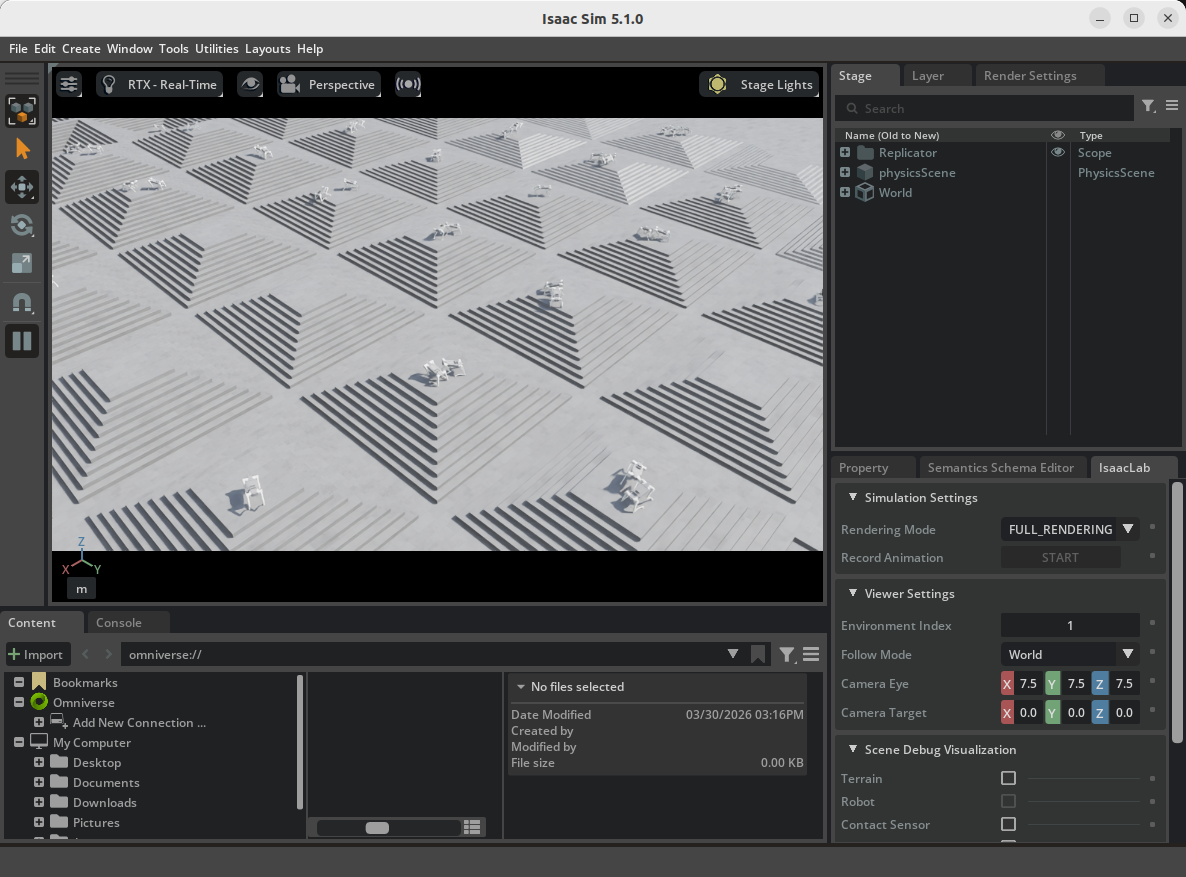
TrainTrain the rbq10 task
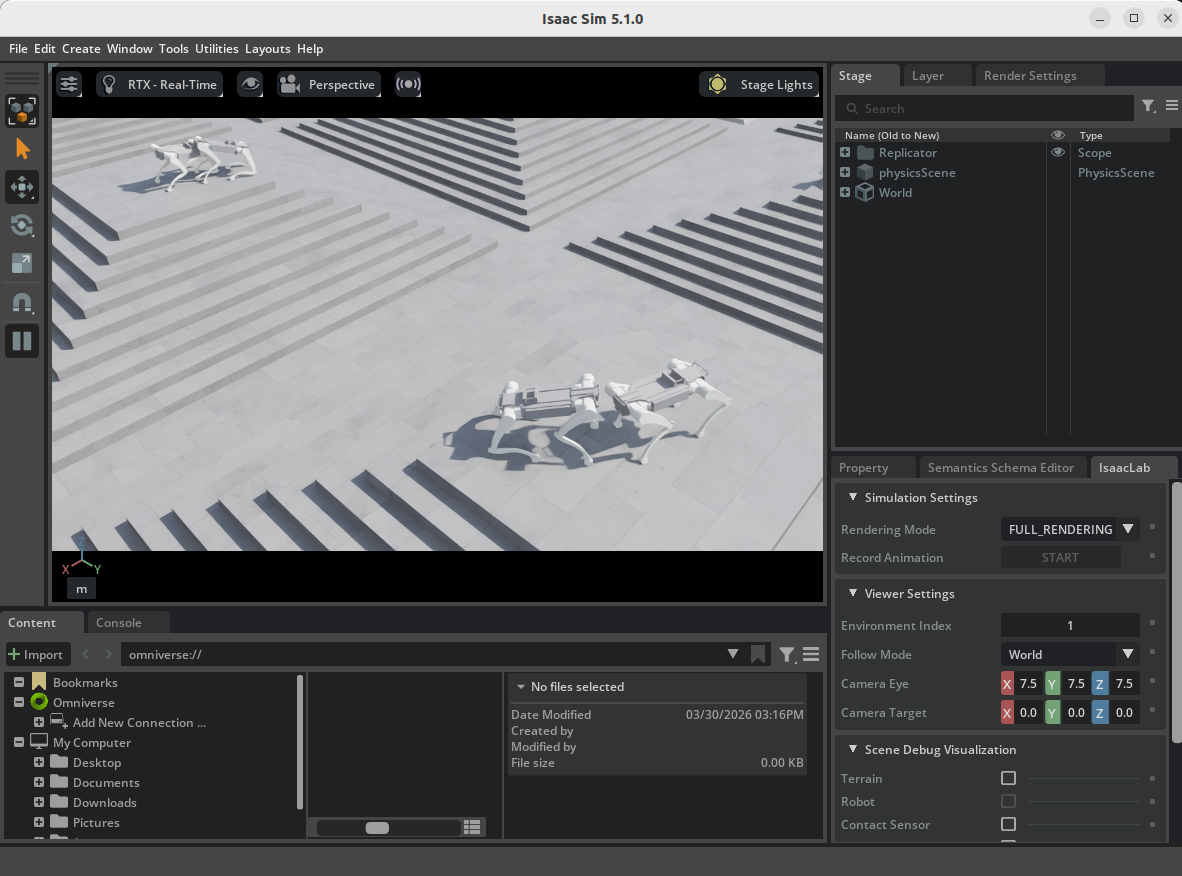
PlayReplay and verify the policy with rbq10_play
DeployExport artifacts (policy.onnx, info.json) and run on the robot
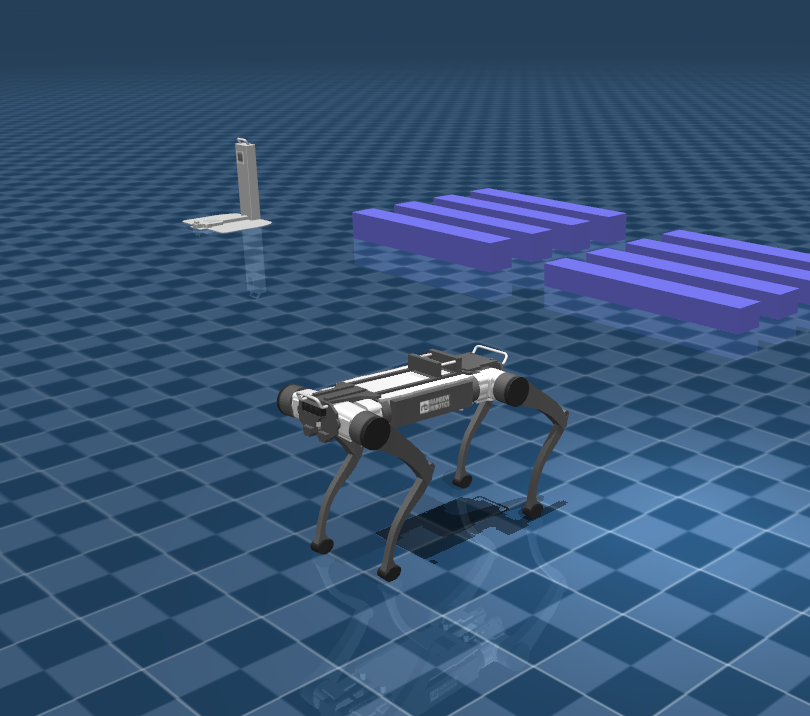
Isaac SimMuJoCo
RBQ Lab overviewDeploy step

Setup

Navigate to the rbq_lab directory inside the RBQ repository:

bash
cd <workspace>/rbq_simulator/rbq_lab

Run the setup script:

bash
bash scripts/setup.bash

This installs Isaac Sim, Isaac Lab, Conda, and all Python dependencies.

Train

bash
bash scripts/train.bash

Default task: rbq10. Training logs are stored under logs/rsl_rl/<experiment_name>/.

Key options (pass via train.py, or edit inside scripts/train.bash):

OptionDescription
--taskTask name (default: rbq10)
--num_envsNumber of parallel environments
--headlessDisable GUI
--resumeResume from checkpoint
--checkpointSpecific checkpoint path
--max_iterationsTraining iteration limit

Full option list: bash scripts/python.bash rbq_lab/train.py --help

Train RBQ-Lab
Train example

Play

Replay and verify the trained policy:

bash
bash scripts/play.bash

Default task: rbq10_play. Specify the model checkpoint explicitly for reproducibility:

bash
# Edit scripts/play.bash to add --checkpoint <path/to/model_*.pt>

Key options:

OptionDescription
--checkpointPath to .pt checkpoint
--use_pretrained_checkpointUse bundled pre-trained policy
--real-timeRun at real-time speed
--videoRecord video

Full option list: bash scripts/python.bash rbq_lab/play.py --help

Play RBQ-Lab

Deploy

After Play, the export artifacts are generated under logs/<experiment_name>/exported/:

logs/<experiment_name>/exported/
├── policy.jit
├── policy.onnx
└── info.json

Pre-trained policies are also available at:

rbq_simulator/rbq_lab/policy/rbq10/
├── info.json
└── policy.onnx

To evaluate and deploy to the real robot, see Low Level (RL Policy).

Directory structure

rbq_simulator/rbq_lab/
├── rbq_lab/
│   ├── envs/
│   │   ├── base/
│   │   │   ├── base_task.py
│   │   │   └── base_task_cfg.py
│   │   └── rbq10/
│   │       ├── env.py, env_cfg.py, env_mdp.py
│   │       ├── rbq10.py
│   │       └── rsl_rl_ppo_cfg.py
│   ├── play.py
│   ├── train.py
│   └── utils/
│       ├── camera.py, cli_args.py, keyboard.py
│       ├── marker.py, math.py, rough.py
├── policy/
│   └── rbq10/
│       ├── info.json
│       └── policy.onnx
├── scripts/
│   ├── setup.bash, train.bash, play.bash
│   ├── activate.bash, clear.bash, configure.bash
│   ├── isaacsim.bash, python.bash
├── dependencies.yaml
└── setup.py

Notes:

  • USD and other assets: place under resources/ (referenced via LAB_ASSET_DIR).
  • Training logs: logs/rsl_rl/<experiment_name>/
  • Cleanup: bash scripts/clear.bash (removes *.egg-info, __pycache__, and optionally logs/)

Adding a new environment

  1. Add a new environment folder under rbq_lab/envs/.
  2. Create env.py, env_cfg.py, env_mdp.py, and rsl_rl_ppo_cfg.py for the new task.
  3. Add robot/environment assets (USD, etc.) under resources/ and reference via LAB_ASSET_DIR.
  4. Register the environment in rbq_lab/envs/__init__.py.
  5. Run training with a small num_envs first to validate asset paths, observation/action sizes, and reward definitions.

See also

This user manual is intended for RBQ users.