
ROS 2 Quick Start
Goal: Set up the RBQ ROS 2 SDK, connect to the robot (or simulator), and send your first motion commands via ROS 2 topics.
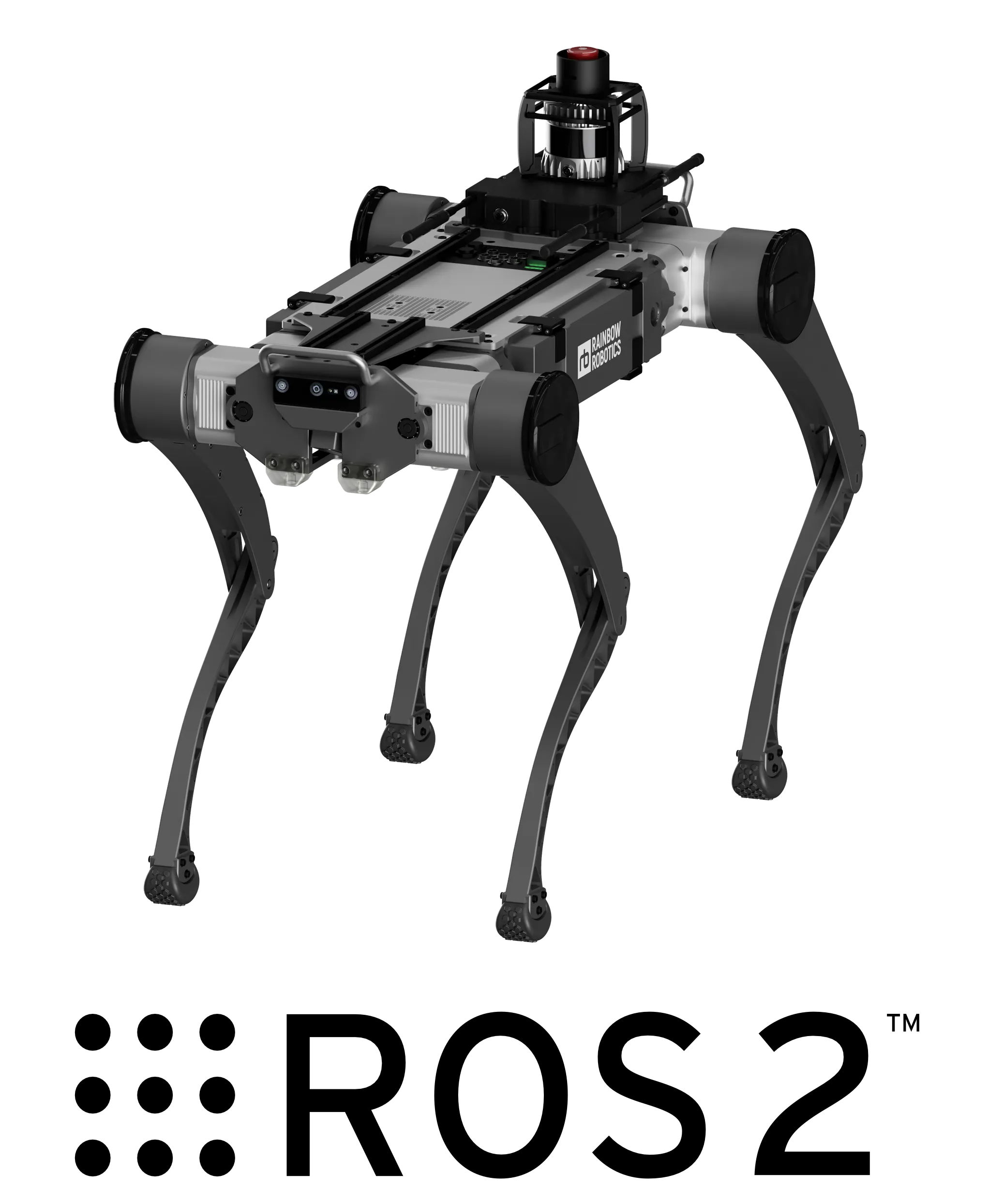
The RBQ ROS 2 SDK enables:
- Robot control — posture commands, gait switching, velocity-based navigation
- Sensor feedback — IMU, foot contact, battery state, and more as ROS 2 topics
- Vision streaming — front, rear, and downward camera data
- RViz2 visualization — real-time robot state and LiDAR display
System Requirements
| Component | Requirement |
|---|---|
| OS | Ubuntu 22.04 |
| ROS 2 | Humble |
| Python | 3.8 / 3.9 / 3.10 |
Installation
1. Install ROS 2 Humble
bash
cd <your workspace>/RBQ
sudo bash scripts/ex/install/ros.bash
source /opt/ros/humble/setup.bash
sudo rosdep init && rosdep update
2. Build the RBQ ROS 2 Package
bash
cd rbq_ros2_msgs
colcon build --symlink-install
source install/setup.bash
3. Start the Robot (or Simulator)
Start the RBQ motion stack before launching ROS 2 nodes. In simulation:
bash
bash scripts/sim.bashOn the real robot, ensure Auto Start has been completed.
4. Launch the ROS 2 Node
bash
ros2 launch rbq_bringup rbq_bringup.launch.pyQuick Start Commands
Step 1. Switch to HighLevel Command Mode
NOTE
To control the robot with HighLevelCommand topics, you must switch to HighLevel mode first. The default mode is JoyStick mode.
true | HighLevel mode — accepts /rbq/motion/cmd_highLevel |
false | JoyStick mode — robot controlled by joystick (default) |
bash
ros2 topic pub --once /rbq/motion/switchControlMode std_msgs/msg/Bool "{data: true}"Step 2. Auto Start
CAUTION
Before running autoStart, ensure the robot is in the correct initial pose on a flat surface.
bash
ros2 topic pub --once /rbq/motion/autoStart std_msgs/msg/Bool "{data: true}"Step 3. Gait Transition
| Gait ID | State | Command |
|---|---|---|
| 0 | Sit | ros2 topic pub --once /rbq/motion/switchGait std_msgs/msg/Int8 "{data: 0}" |
| 1 | Stand | ros2 topic pub --once /rbq/motion/switchGait std_msgs/msg/Int8 "{data: 1}" |
| 3 | Walk | ros2 topic pub --once /rbq/motion/switchGait std_msgs/msg/Int8 "{data: 3}" |
Full gait state table (including RL gaits): software/ROS2 — Topics
Step 4. Send Velocity Commands
Once in Walk mode (gait_id: 3):
bash
# Move forward at 0.3 m/s
ros2 topic pub --once /rbq/motion/cmd_highLevel rbq_msgs/msg/HighLevelCommand \
'{header: {stamp: {sec: 0, nanosec: 0}, frame_id: "base"},
  identifier: "walk_fwd",
  vel_x: 0.3, vel_y: 0.0, omega_z: 0.0,
  roll: 0.0, pitch: 0.0, yaw: 0.0,
  delta_body_h: 0.0, delta_foot_h: 0.0,
  gait_state: 3, gait_transition: false}'
Key Topics at a Glance
| Topic | Type | Direction | Description |
|---|---|---|---|
/rbq/motion/autoStart | Bool | Publish | Trigger Auto Start |
/rbq/motion/switchGait | Int8 | Publish | Switch gait state |
/rbq/motion/switchControlMode | Bool | Publish | HighLevel / Joystick toggle |
/rbq/motion/cmd_highLevel | HighLevelCommand | Publish | Velocity + gait command |
/rbq/sensor/imu | Imu | Subscribe | IMU data |
/rbq/sensor/jointState | JointState | Subscribe | Joint positions/velocities |
/rbq/sensor/battery | BatteryState | Subscribe | Battery level |
For the full topic list (60+ topics including vision, manipulation, and SLAM), see:
RViz2 Visualization
bash
ros2 launch rbq_bringup rbq_rviz.launch.py