
ROS 2 빠른 시작
목표: RBQ ROS 2 SDK를 설정하고, 로봇(또는 시뮬레이터)에 연결하여 ROS 2 토픽으로 첫 번째 동작 명령을 전송합니다.
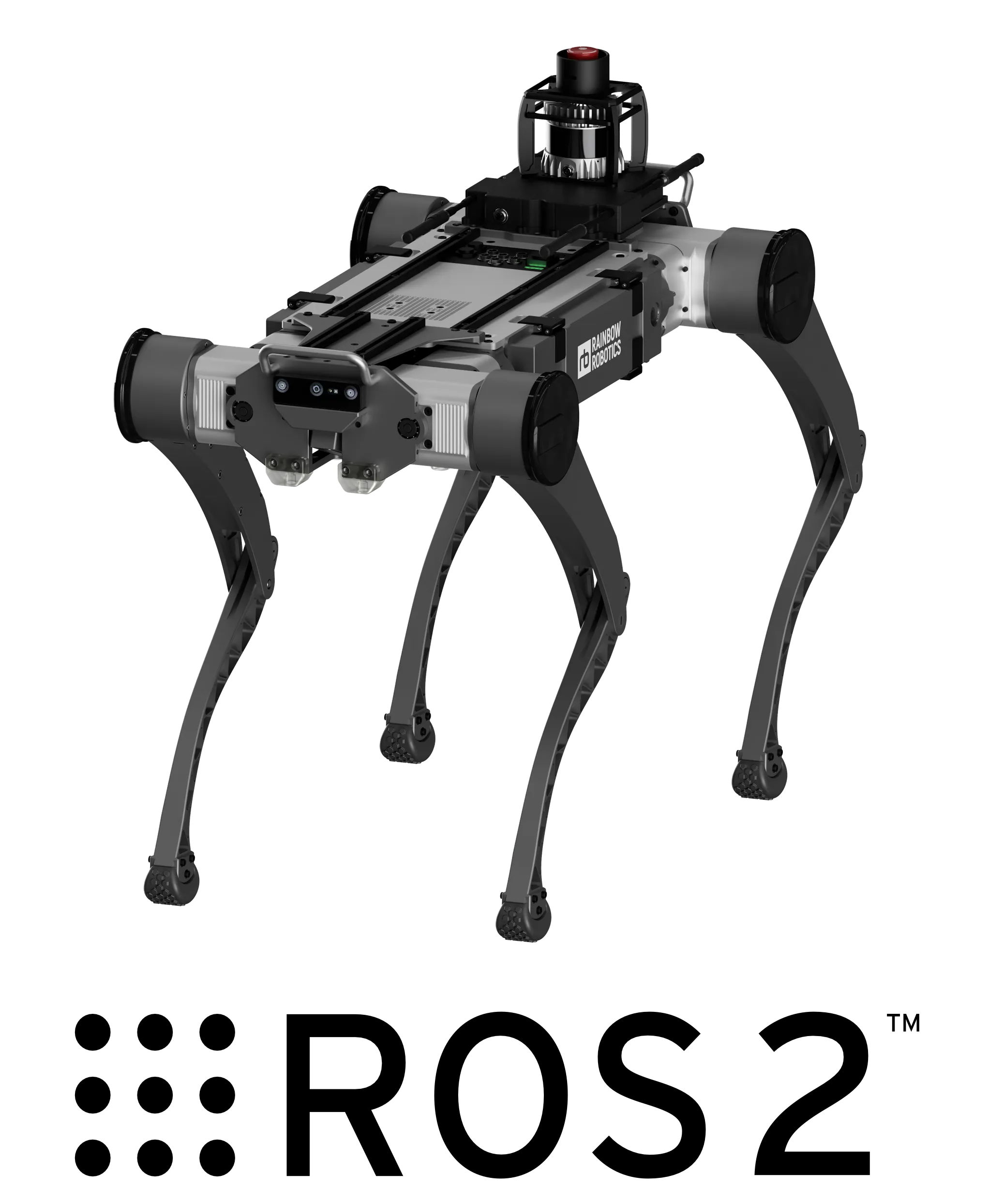
RBQ ROS 2 SDK 기능:
- 로봇 제어 — 자세 명령, 보행 전환, 속도 기반 이동
- 센서 피드백 — IMU, 발 접촉, 배터리 상태 등을 ROS 2 토픽으로 수신
- 비전 스트리밍 — 전방, 후방, 하향 카메라 데이터
- RViz2 시각화 — 실시간 로봇 상태 및 LiDAR 표시
시스템 요구 사항
| 항목 | 요구 사항 |
|---|---|
| OS | Ubuntu 22.04 |
| ROS 2 | Humble |
| Python | 3.8 / 3.9 / 3.10 |
설치
1. ROS 2 Humble 설치
bash
cd <your workspace>/RBQ
sudo bash scripts/ex/install/ros.bash
source /opt/ros/humble/setup.bash
sudo rosdep init && rosdep update
2. RBQ ROS 2 패키지 빌드
bash
cd rbq_ros2_msgs
colcon build --symlink-install
source install/setup.bash
3. 로봇(또는 시뮬레이터) 시작
ROS 2 노드를 실행하기 전에 RBQ 모션 스택을 먼저 시작하세요. 시뮬레이션에서:
bash
bash scripts/sim.bash실제 로봇에서는 Auto Start가 완료되어 있어야 합니다.
4. ROS 2 노드 실행
bash
ros2 launch rbq_bringup rbq_bringup.launch.py빠른 시작 명령
1단계. HighLevel 명령 모드로 전환
참고
HighLevelCommand 토픽으로 로봇을 제어하려면 먼저 HighLevel 모드로 전환해야 합니다. 기본 모드는 JoyStick 모드입니다.
true | HighLevel 모드 — /rbq/motion/cmd_highLevel 수신 |
false | JoyStick 모드 — 조이스틱으로 제어 (기본값) |
bash
ros2 topic pub --once /rbq/motion/switchControlMode std_msgs/msg/Bool "{data: true}"2단계. Auto Start
주의
autoStart를 실행하기 전에 로봇이 평평한 바닥에서 올바른 초기 자세를 취하고 있는지 확인하세요.
bash
ros2 topic pub --once /rbq/motion/autoStart std_msgs/msg/Bool "{data: true}"3단계. 보행 전환
| Gait ID | 상태 | 명령 |
|---|---|---|
| 0 | Sit | ros2 topic pub --once /rbq/motion/switchGait std_msgs/msg/Int8 "{data: 0}" |
| 1 | Stand | ros2 topic pub --once /rbq/motion/switchGait std_msgs/msg/Int8 "{data: 1}" |
| 3 | Walk | ros2 topic pub --once /rbq/motion/switchGait std_msgs/msg/Int8 "{data: 3}" |
전체 Gait 상태 테이블 (RL 보행 포함): software/ROS2 — Topics
4단계. 속도 명령 전송
Walk 모드 (gait_id: 3) 진입 후:
bash
# 0.3 m/s 속도로 전진
ros2 topic pub --once /rbq/motion/cmd_highLevel rbq_msgs/msg/HighLevelCommand \
'{header: {stamp: {sec: 0, nanosec: 0}, frame_id: "base"},
  identifier: "walk_fwd",
  vel_x: 0.3, vel_y: 0.0, omega_z: 0.0,
  roll: 0.0, pitch: 0.0, yaw: 0.0,
  delta_body_h: 0.0, delta_foot_h: 0.0,
  gait_state: 3, gait_transition: false}'
주요 토픽 요약
| 토픽 | 타입 | 방향 | 설명 |
|---|---|---|---|
/rbq/motion/autoStart | Bool | Publish | Auto Start 실행 |
/rbq/motion/switchGait | Int8 | Publish | 보행 상태 전환 |
/rbq/motion/switchControlMode | Bool | Publish | HighLevel / Joystick 전환 |
/rbq/motion/cmd_highLevel | HighLevelCommand | Publish | 속도 + 보행 명령 |
/rbq/sensor/imu | Imu | Subscribe | IMU 데이터 |
/rbq/sensor/jointState | JointState | Subscribe | 관절 위치/속도 |
/rbq/sensor/battery | BatteryState | Subscribe | 배터리 잔량 |
비전, 매니퓰레이션, SLAM을 포함한 전체 토픽 목록 (60개 이상):
RViz2 시각화
bash
ros2 launch rbq_bringup rbq_rviz.launch.py