Skip to content

Accessories ​

RBQ supports a range of optional accessories that extend the robot for field missions and development work — sensing, onboard compute and connectivity, and power infrastructure.

Sensing ​

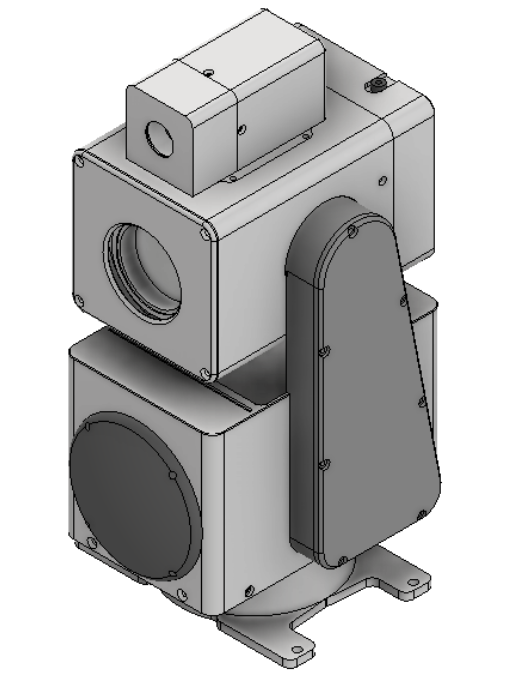
PTZ Camera

A Pan-Tilt-Zoom camera that mounts on the RBQ body. Provides high-resolution video streaming for surveillance and reconnaissance missions with remote pan, tilt, and zoom control via the GUI and API.

Specifications →

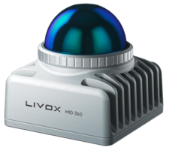
LIDAR (mid-360)

The Livox MID-360 is a compact 3D LiDAR with a hemispherical field of view (360° × 59°). Used for obstacle detection and autonomous navigation. Connects via Ethernet.

The MID-360S is Livox's next-generation model: 360° horizontal by −7°–52° vertical, 40 m range at 10% reflectivity, 200,000 points per second. On the RBQ it is mounted rotated 90° about the vertical axis, so its frames differ from the MID-360 — see the transform matrices.

Specifications →

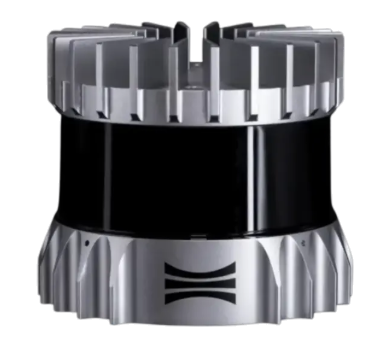
LIDAR (OS1-32)

The Ouster OS1-32 is a 360° spinning LiDAR with 32 channels that delivers dense point clouds for wide-area 3D mapping.

Specifications →

Compute & Connectivity ​

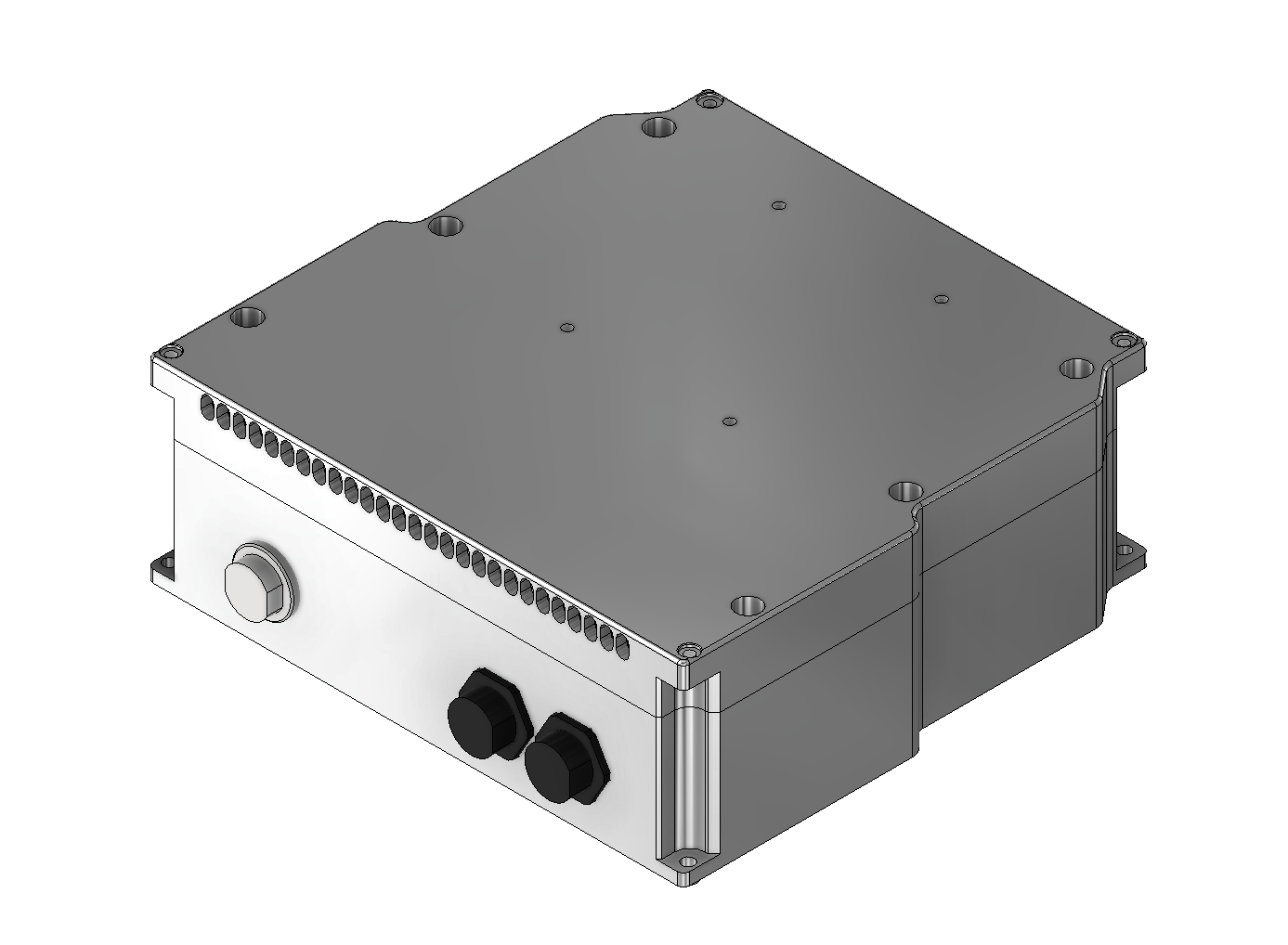
User-PC Module

An embedded compute board that mounts inside the RBQ payload bay. Runs user applications, AI inference, and custom sensor processing directly on the robot. Offers multiple I/O interfaces for sensor integration.

Available options:

  • UP Xtreme i12 — Intel Core i7 (12th gen)
  • UP Xtreme i14 — Intel Core i7 (14th gen)
  • NVIDIA Jetson AGX Orin — for AI inference workloads

For other PC configurations, please contact us.

Network & IP →

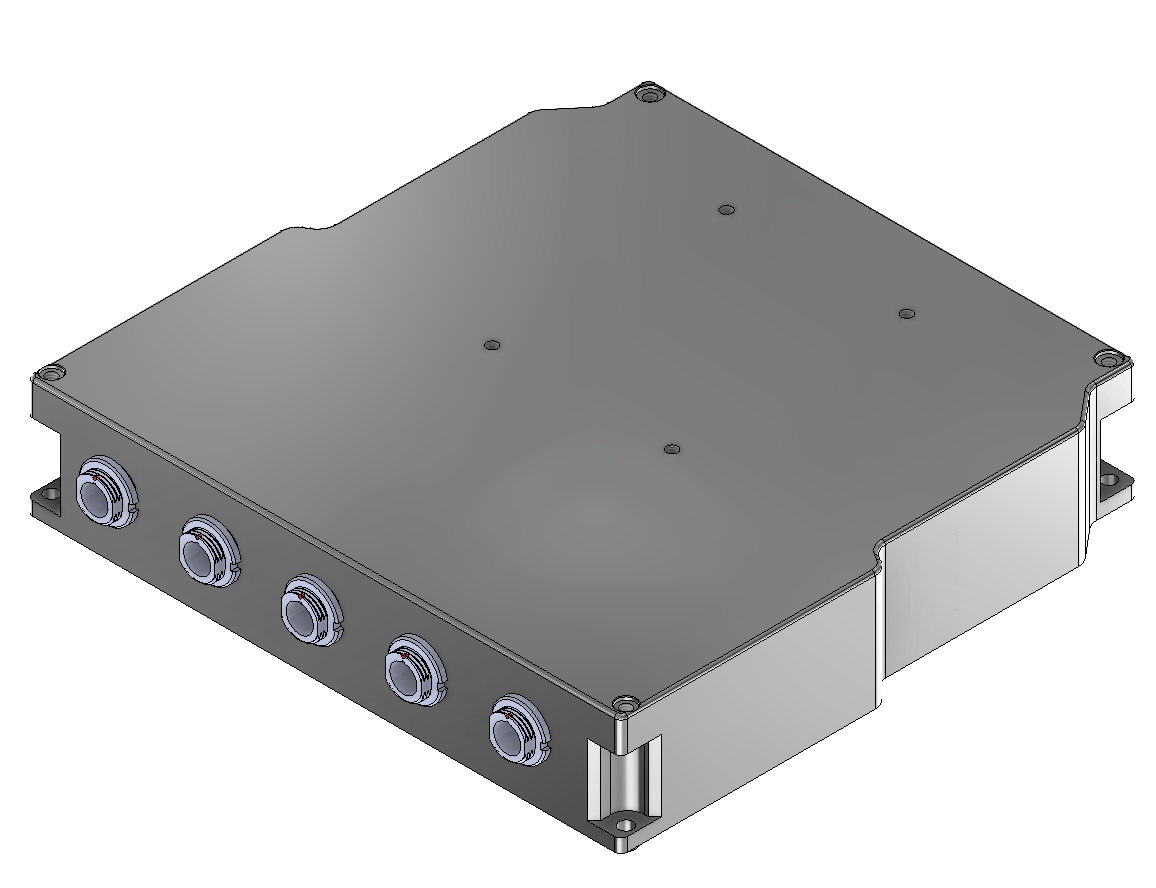
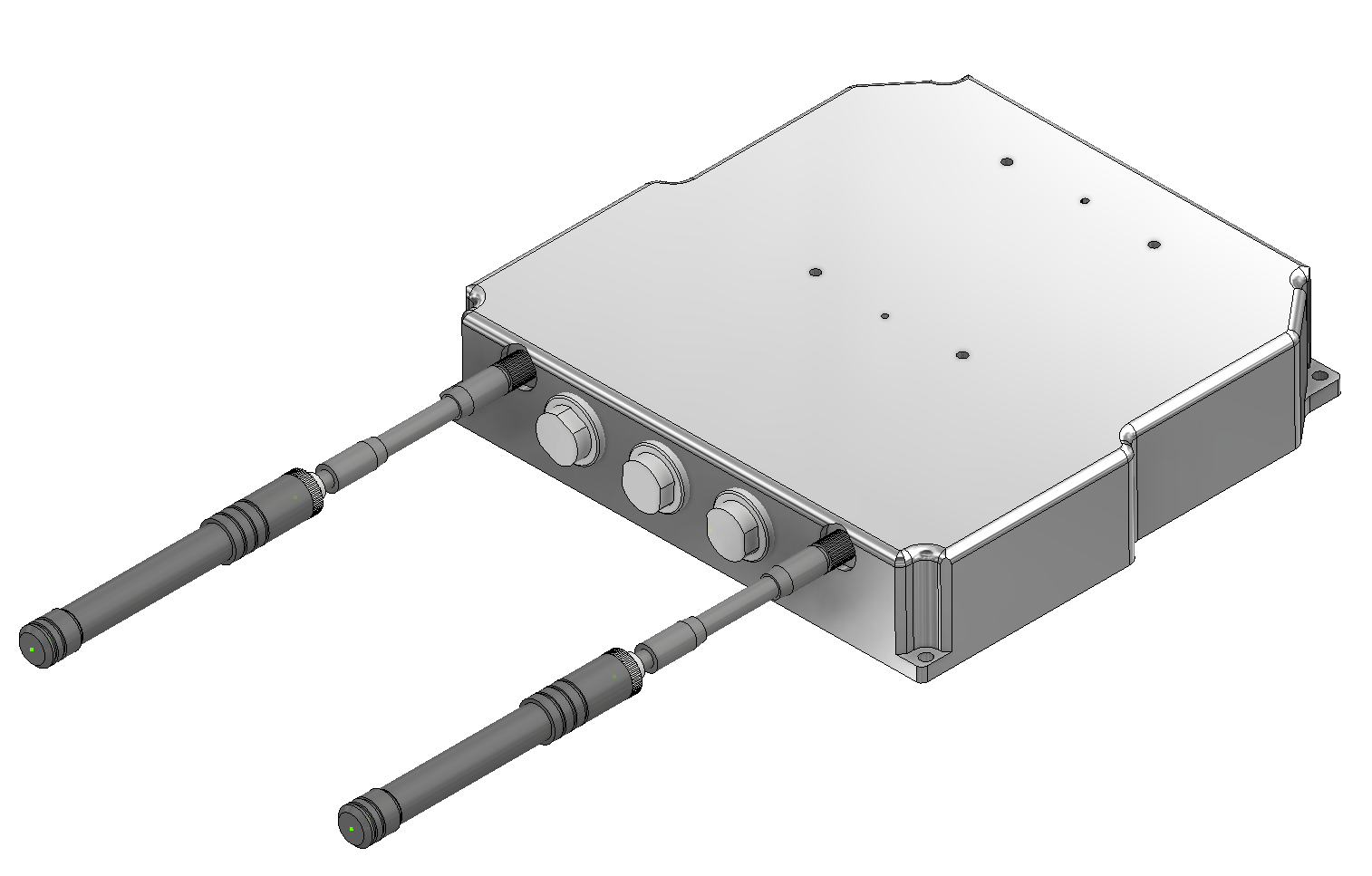
Hub Module

An interface hub that expands the number of usable 12V-LAN ports, so more accessories can be connected at once. Simplifies wiring for multi-sensor payloads.

External ports →

Wifi Module / LTE/GPS Module

Wireless communication modules for remote operation. The WiFi module enables high-bandwidth local communication, while the LTE/GPS module provides wide-area cellular connectivity combined with positioning.

Network →

Power & Charging ​

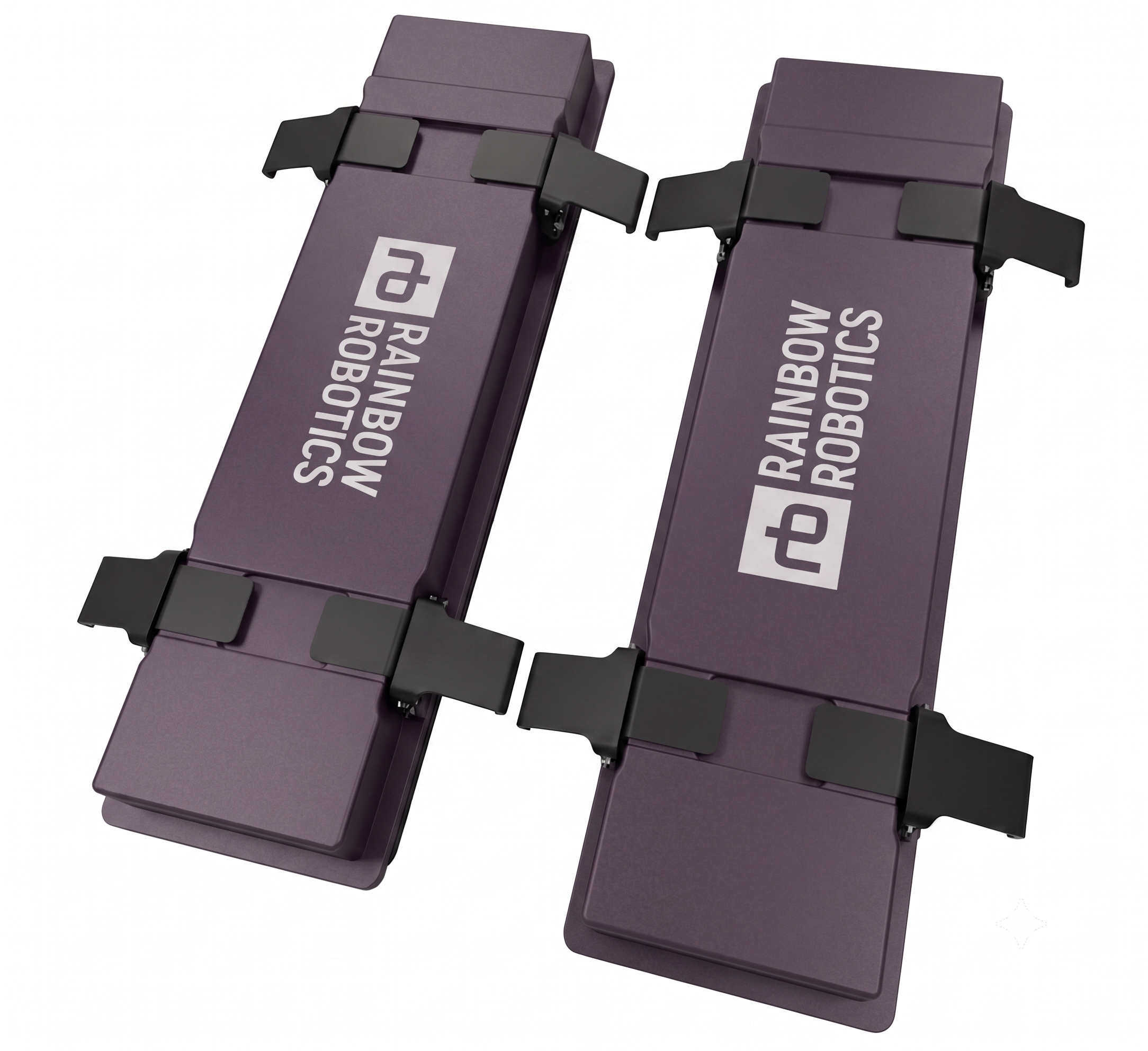
Battery

The detachable battery pack used by the RBQ. For long-duration operation, swap in a charged pack instead of waiting for a recharge.

Specifications →

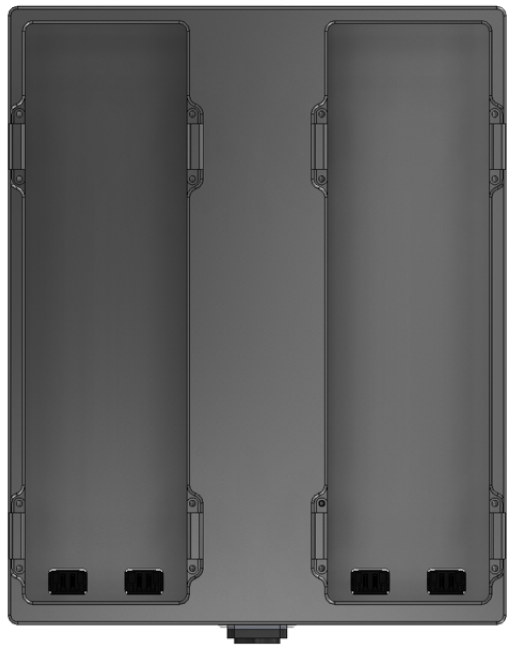
Battery Charging Tray

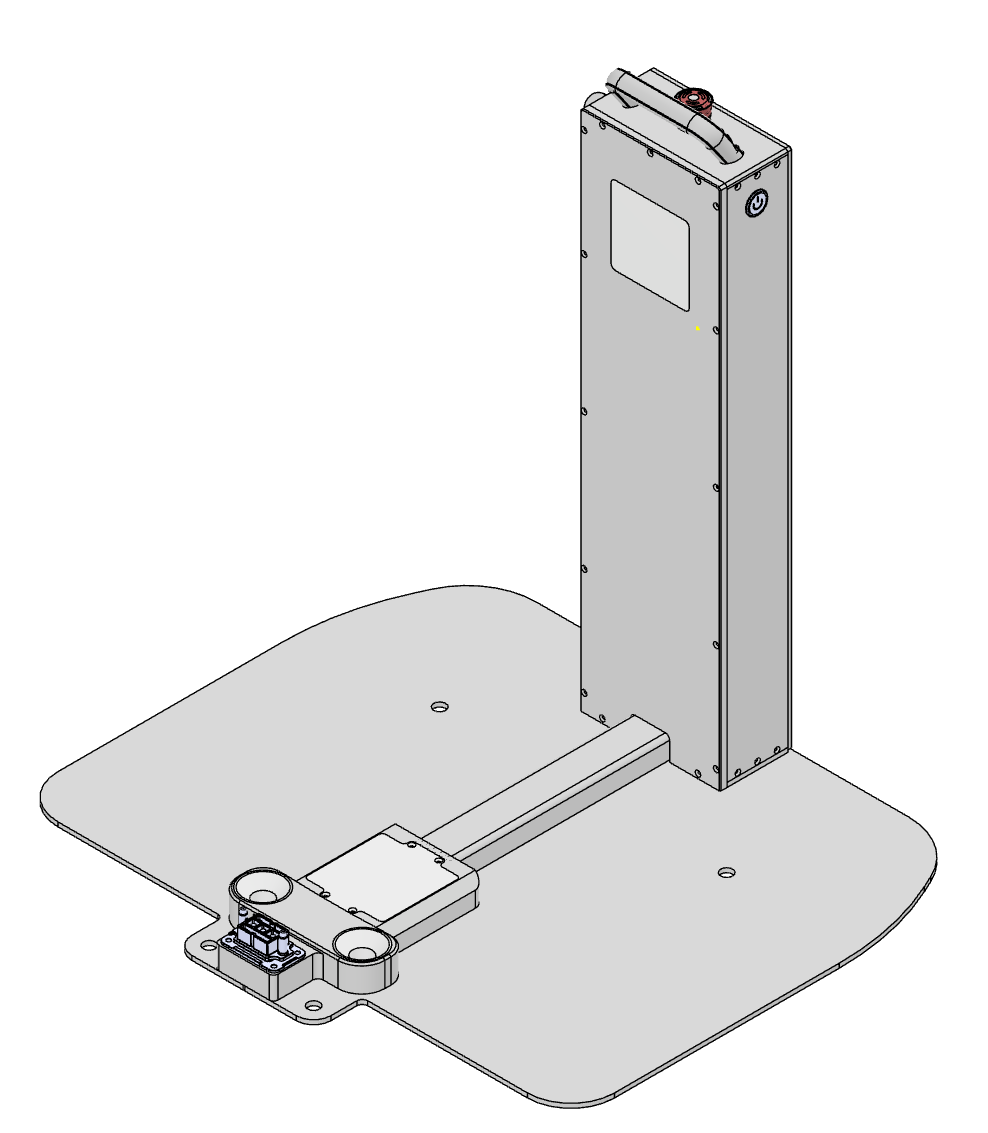
A two-bay tray for charging battery packs on their own, detached from the robot. To charge the packs without removing them, use the RBQ10 charger instead.

Battery specifications →

RBQ10 Charger

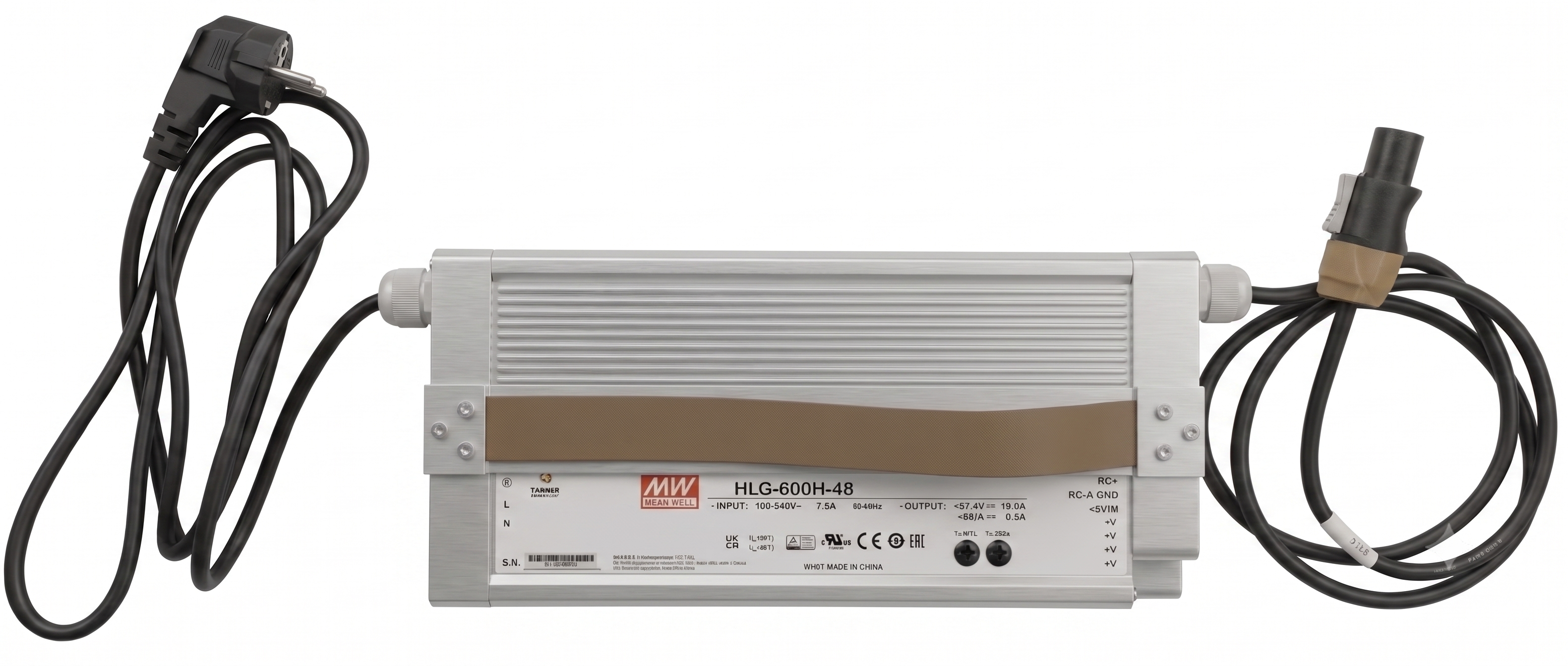
The supplied charger, which connects directly to the charging port on top of the robot. Supports standard AC input and charges the battery packs in place.

How to charge →

Docking Station

Dog House · Coming soon

An autonomous docking station that allows the RBQ to self-dock for automatic battery charging and storage. Eliminates manual battery swap for long-duration deployment scenarios.

Specifications →

Payload Cabling ​

Cables for wiring your own payload into the robot's power and communication. The robot end mates directly with the MOCO waterproof connectors on the external port panel; the other end is wired to suit your equipment. Voltage and current limits and the pin assignment for each port are in External ports.

12PIN MOCO — 12V + LAN

Connects to the 12V/LAN port on a version 2 panel and breaks out 12 V power and Gigabit Ethernet in one run. For cameras and sensors that need both power and a network link.

Pin map →

4PIN MOCO — 48V + CAN

Connects to the PWR-CAN port (PWR/CAN on a version 2 panel) and breaks out battery power and the CAN bus together. For actuators and devices driven over CAN.

Pin map →

2PIN MOCO — 48V

Connects to the POWER port and carries battery power only. For loads that need no communication link.

Pin map →

CAUTION

The two 48 V cables carry raw battery voltage, which moves between 42.0 V and 58.4 V with the state of charge. Add your own converter if the payload needs a regulated supply. Design within the per-port current limit — POWER 5 A, PWR-CAN 10 A, 12V/LAN 2–3 A.

How to mate and release the connectors is covered in Connector handling; switching power on to a port is covered in Powering the external ports.

This user manual is intended for RBQ users.