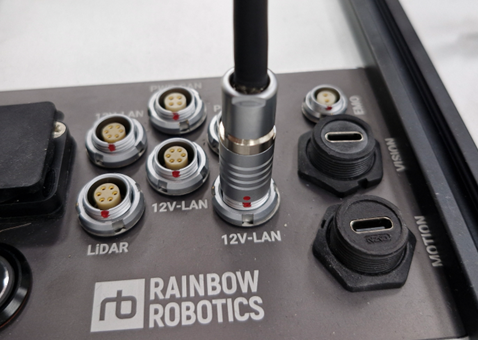
Connector Attachment/Detachment
The RBQ10 interface connector uses MOCO's F-series waterproof connector. Once the connector is engaged, it cannot be disconnected by vibration or pulling the wire. To remove the connector, you need to hold the handle and pull it to safely detach it without damage.
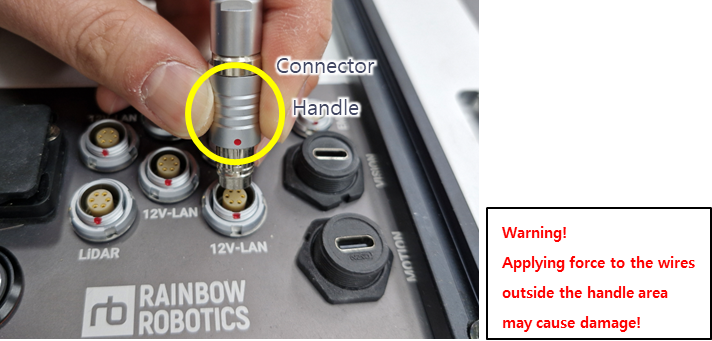
Step 1. Grab the handle.
CAUTION
Applying force to the wires outside the handle area may cause damage.
Step 2. Align the red dots and press the connector handle until it clicks.
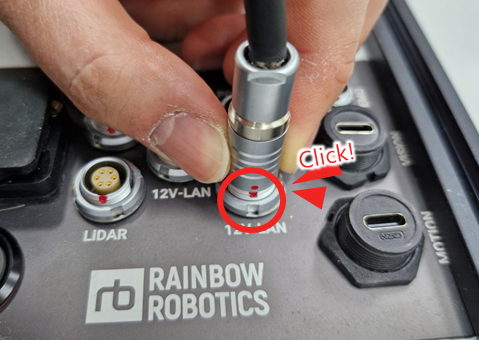
Step 3. Check connection.