
Battery Handling Precautions
Safe handling, charging, and storage of the RBQ’s on-board battery. For replacement steps, see Battery Replacement.
Charging
WARNING
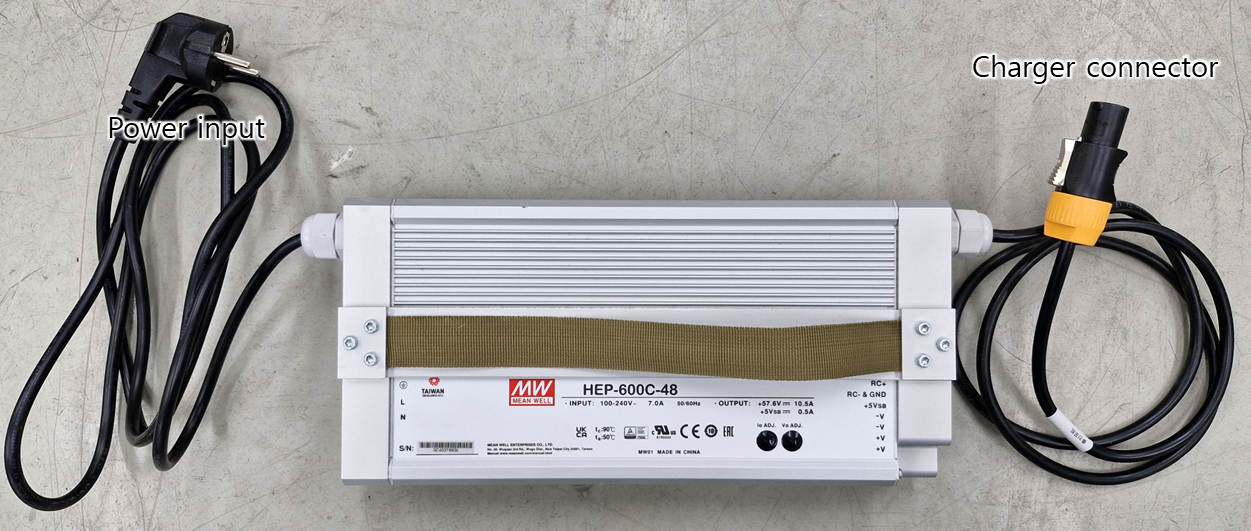
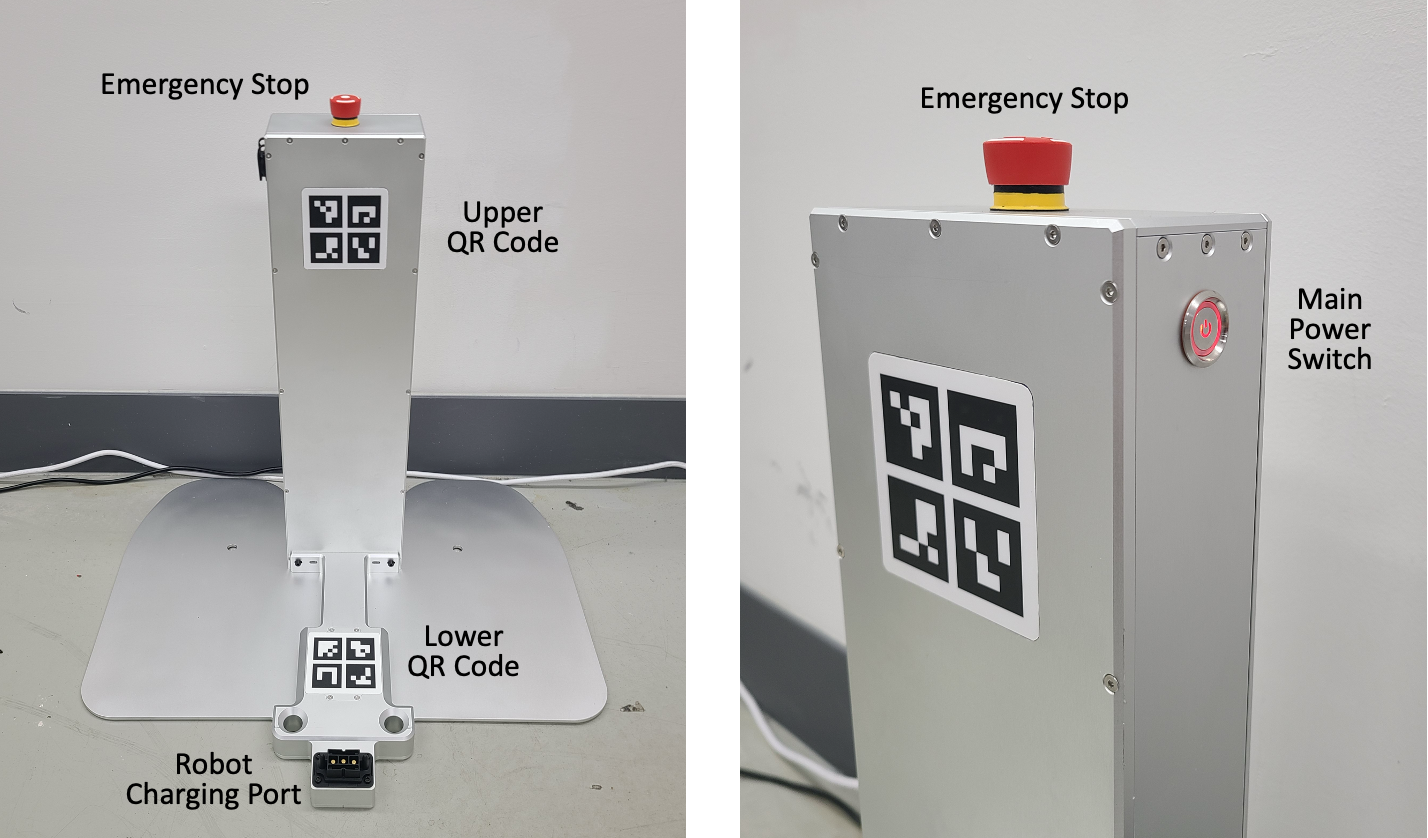
1) Charge only with the RBQ10 dedicated charger or RBQ10 docking station. Other chargers can cause overcharge, overheating, or fire.
2) While charging, keep the robot and charger away from flammables and heat sources.
3) Do not use damaged chargers or cables.
Charging steps are described on the Charging page.
- Fully discharged: If the robot is fully discharged and will not power on, the docking station may not charge it. In that case, connect the supplied external charger directly to the charging port.
Handling and storage
- Impact and penetration: Do not drop the battery, puncture it, or submerge it. Do not use a damaged battery; contact Rainbow Robotics.
- Temperature: Stay within the specified storage and use temperature range. Do not expose to high heat, direct sunlight, or heaters.
- Storage: Do not store the battery upside down. If unused for a long time, check its condition periodically.
WARNING
Battery removal when not in use: When not in use, remove the battery for storage. Leaving the battery installed in a powered-off robot for more than 24 hours can cause irreversible damage.