Docking Station
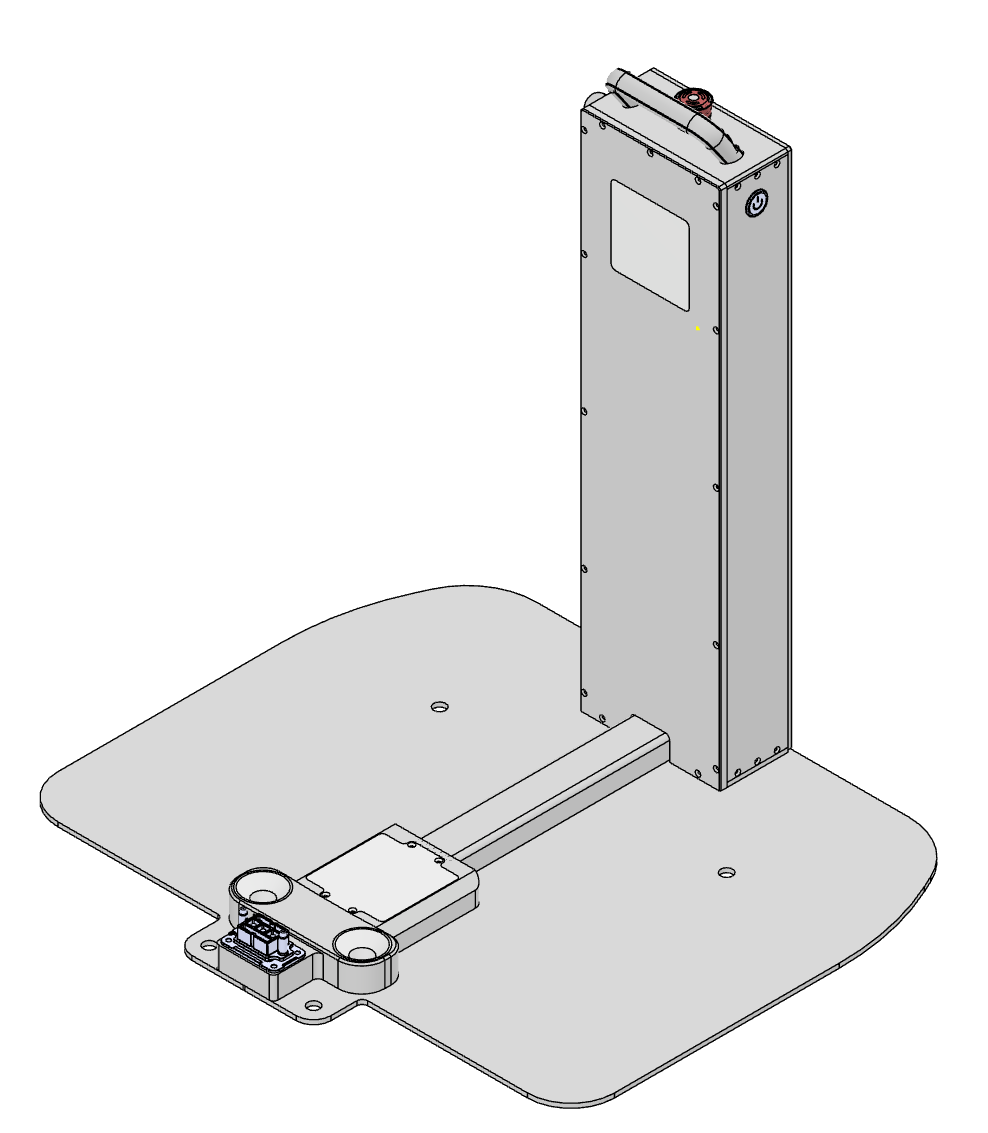
Operation & charging
Cable connection, manual docking, charging procedure, and other operational details are in Charging (operation guide).
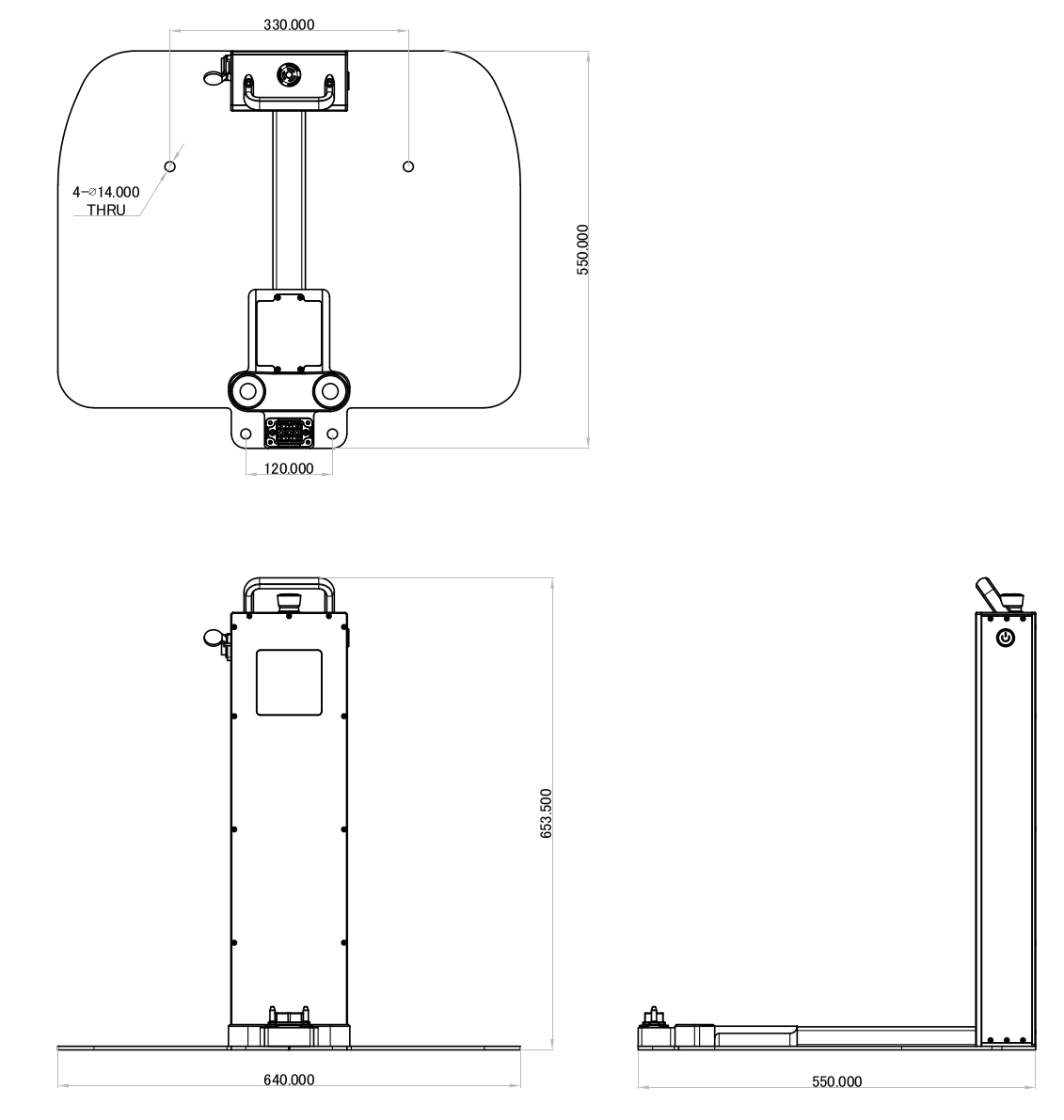
Dimensions
General specifications
| Item | Specification |
|---|---|
| Name | RBQ10 Docking Station |
| Function | Docking and charging via the robot’s bottom charging contacts |
| External charging port | External charging path using the station power supply (see Charging for details) |
Power supply specifications
The power (charging) specifications included with the docking station are as follows.
Output
| Item | Specification |
|---|---|
| Charging voltage | 57.6 V |
| Charging current | 10.5 A |
AC input
| AC input voltage | Input current |
|---|---|
| 63 Vac | 7 A |
| 230 Vac | 3.3 A |
| 277 Vac | 2.9 A |
Operating and storage environment
| Category | Item | Specification |
|---|---|---|
| Operating | Operating temperature | −40 ~ +70 °C |
| Operating | Operating humidity | 20 ~ 95 % RH (non-condensing) |
| Storage | Temperature | −40 ~ +85 °C |
| Storage | Humidity | 10 ~ 95 % RH (non-condensing) |
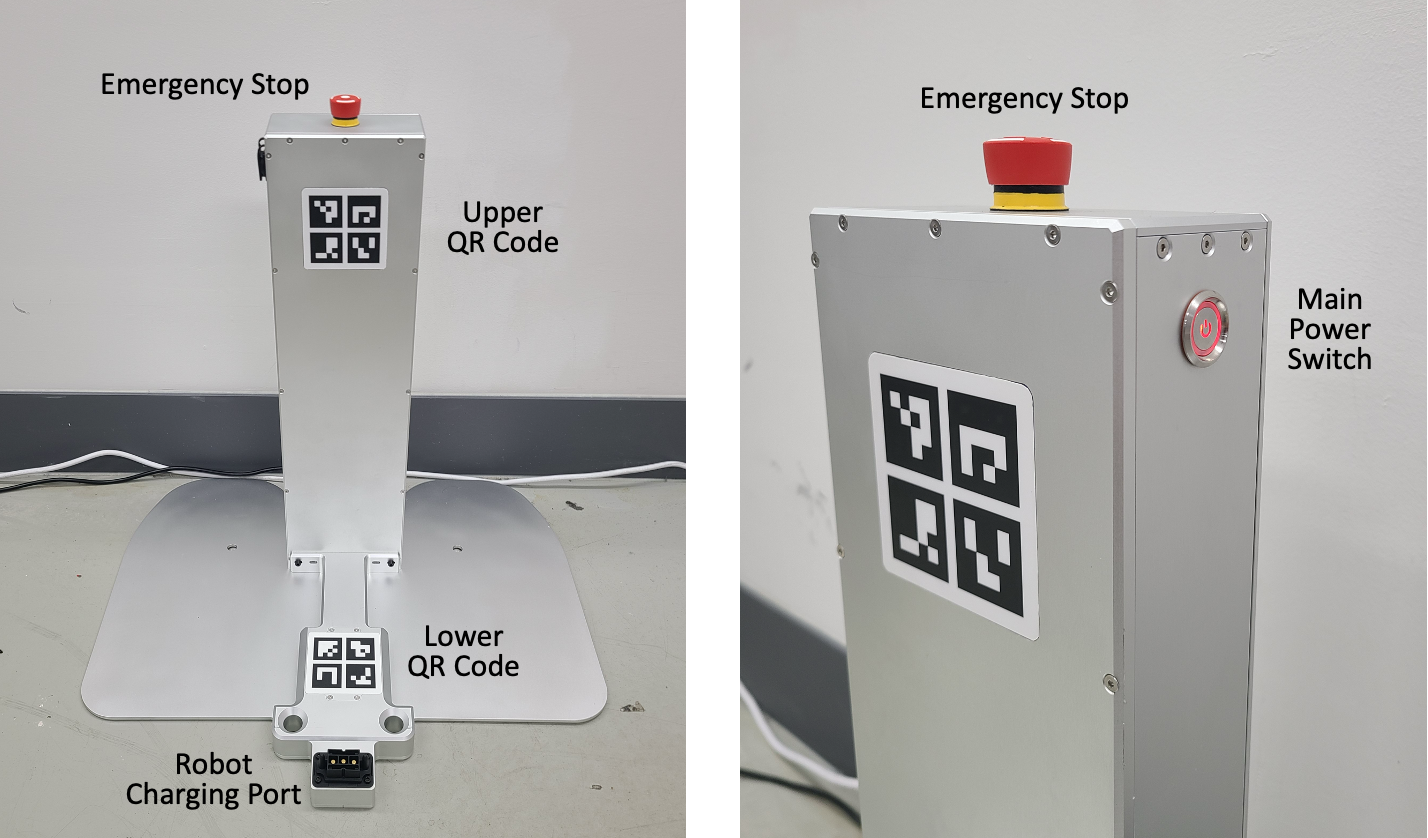
Parts reference
Use the diagram below to locate main parts. Numbers and labels follow the supplied drawing.
Status indicators
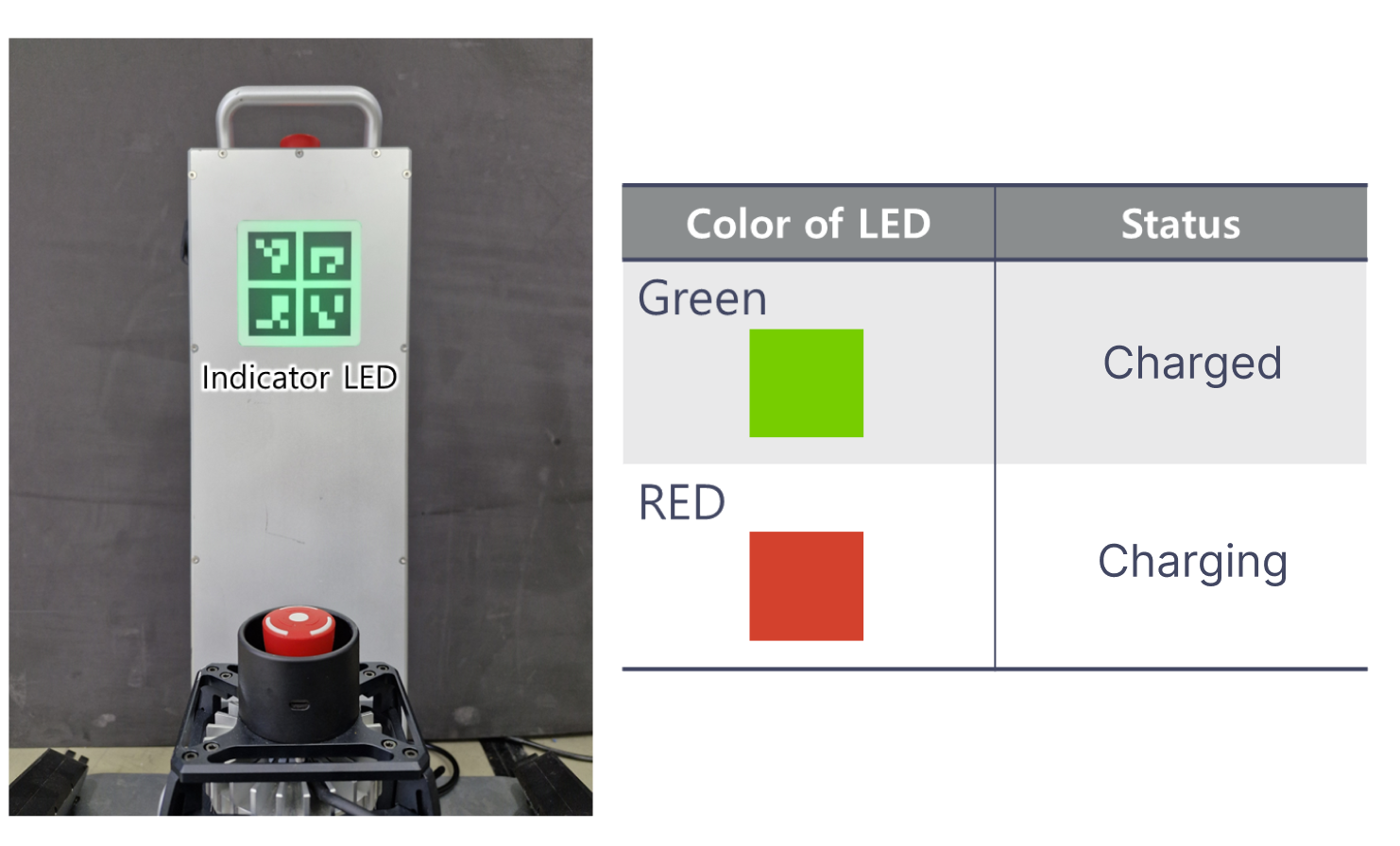
Indicator meanings follow the reference figure below. For behavior during operation, follow Charging.