
Emergency Stop
The emergency stop button can be used to forcefully stop the robot arm if there is an emergency.
By pressing the emergency stop button, the user will stop commands sent from the robot control box and terminate any motion.
The section below describes how the emergency stop button for control box works.
Emergency Stop
Users can stop the robot arm immediately by pressing the EMERGENCY STOP button.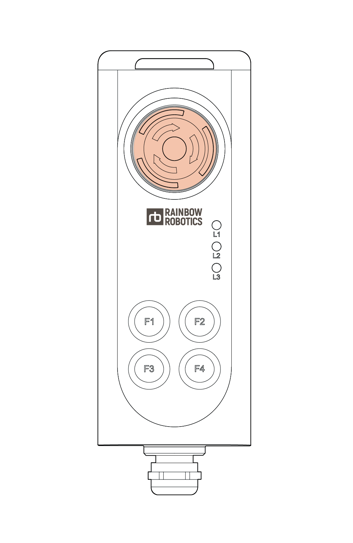
Re-Activating from Emergency Stop
Turning the EMERGENCY STOP button in clockwise direction.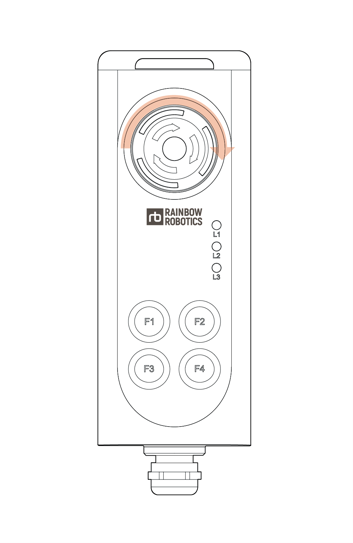
2. Hand Controller LED Status
When only L1 is illuminated in green among L1, L2, and L3,
it indicates that the system is in Real Robot mode.When only L2 is illuminated in green among L1, L2, and L3,
it indicates that a program is running in Simulation mode.When L1 and L2 are illuminated in green among L1, L2, and L3,
it indicates that a program is running in Real Robot mode.When only L3 is illuminated in red among L1, L2, and L3,
it indicates that the control box has not completed booting.When L1 and L2 are illuminated in green and L3 is illuminated in red among L1, L2, and L3, it indicates that a collision has been detected.