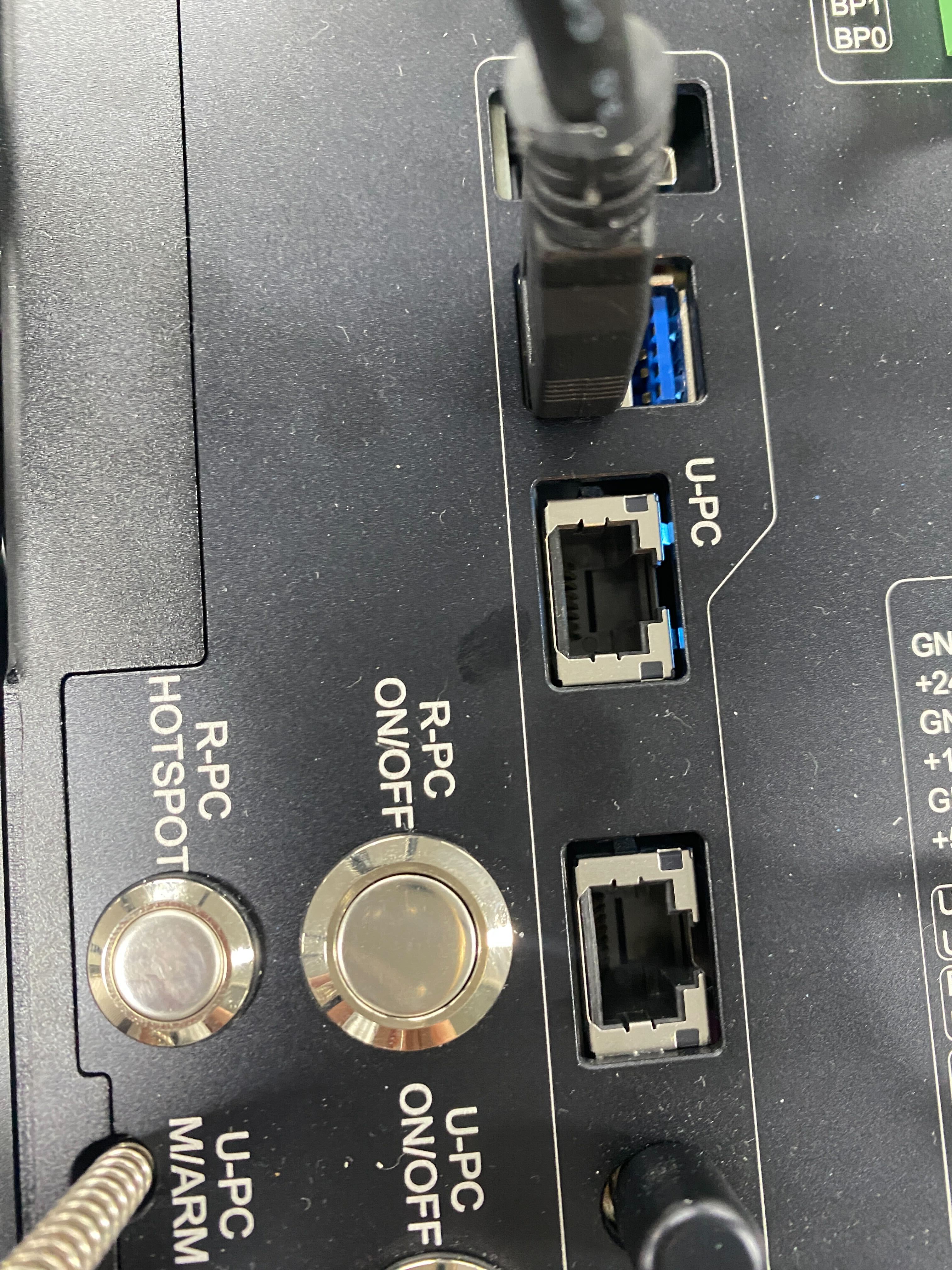
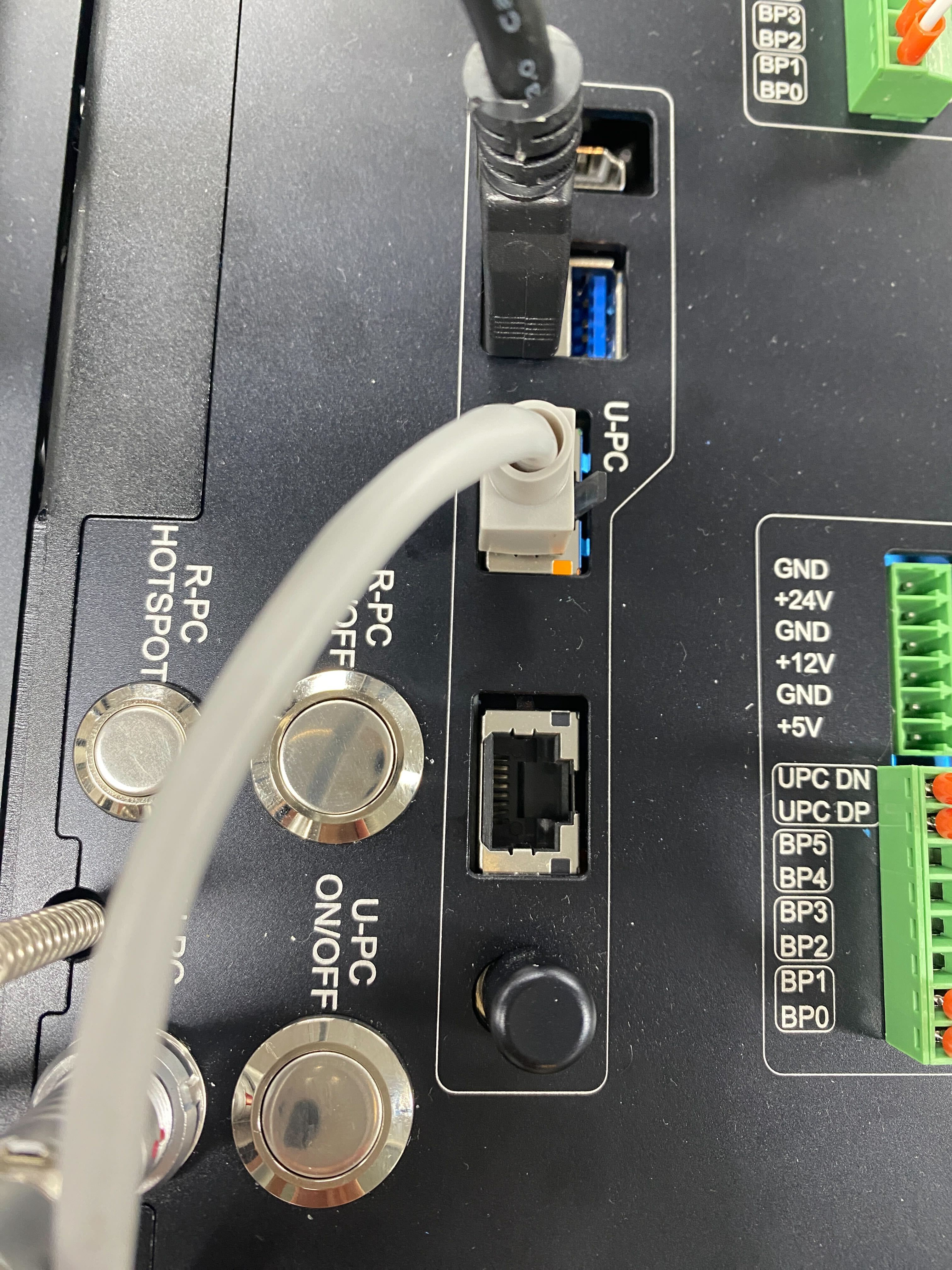
3. Connect to an External Access Point (AP)
3.1. Wi‑Fi
In the Web UI, open Settings.
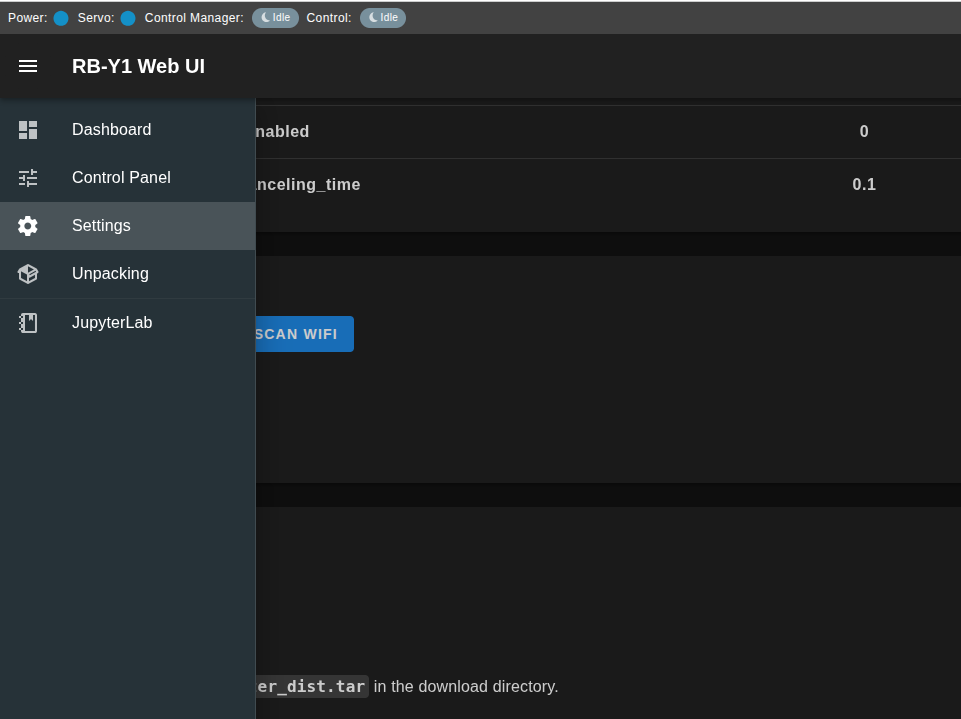
Go to RPC WiFi Setting. Confirm the Wi‑Fi page and the Scan WiFi button are visible.
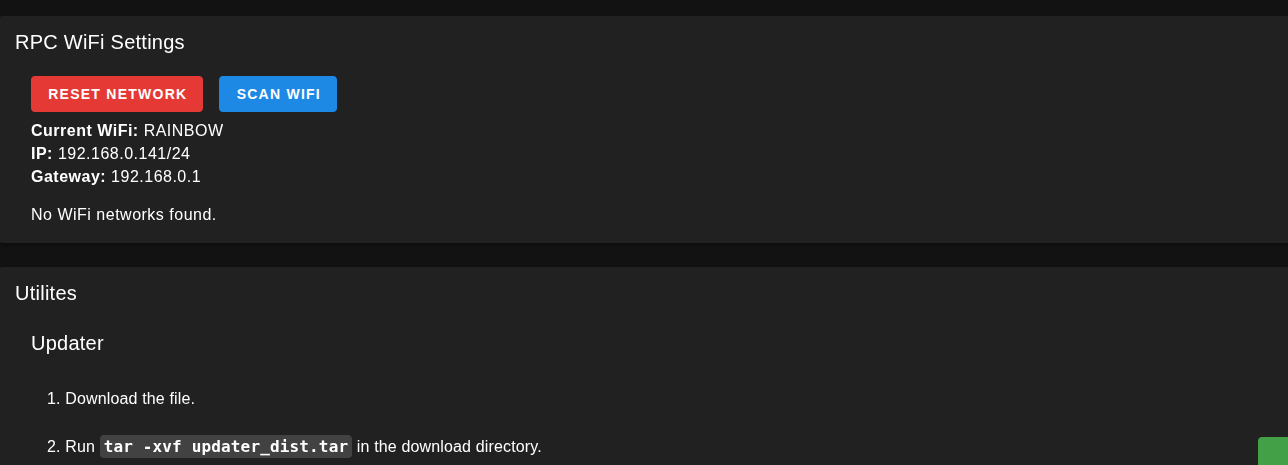
Click Scan WiFi and wait for the scanned SSID list to appear.
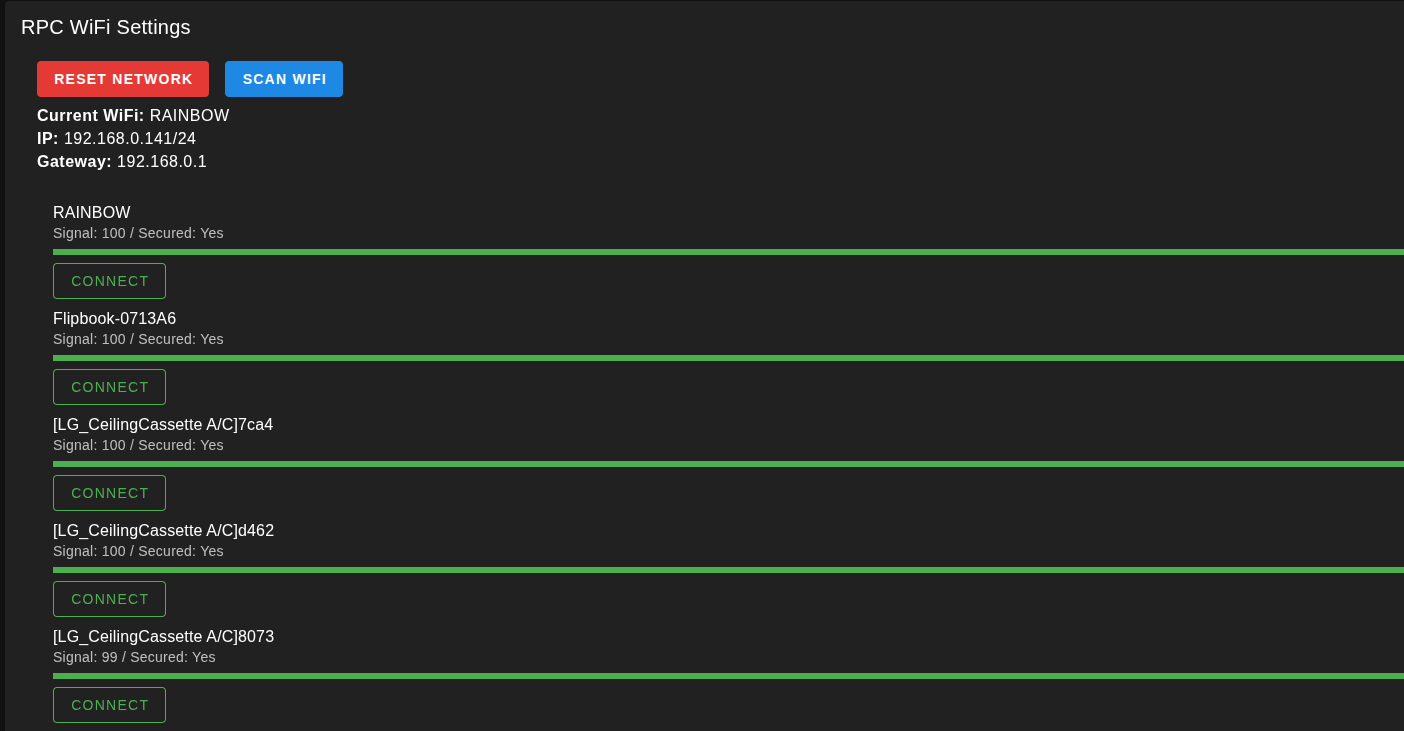
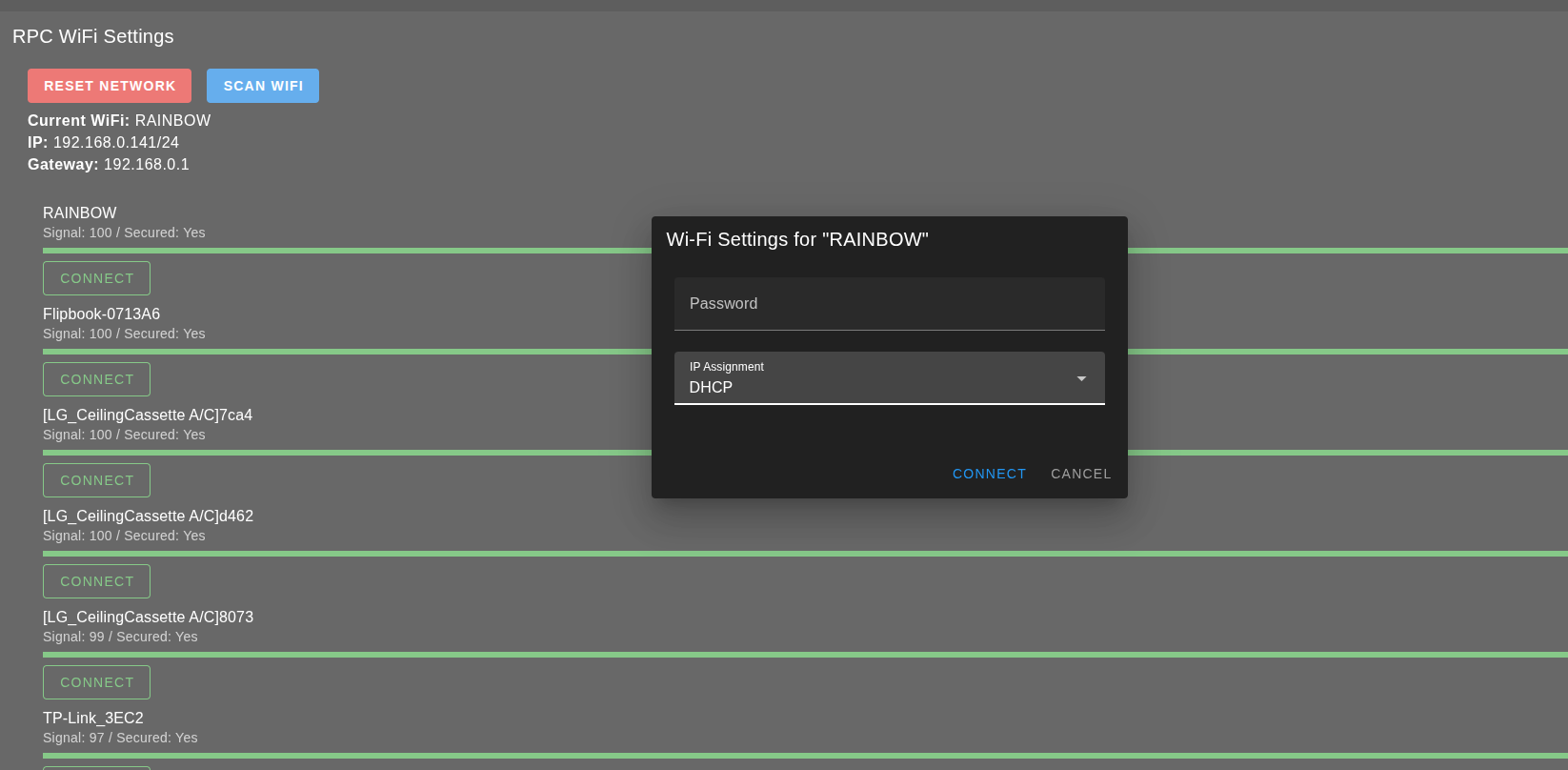
Click Connect on your target SSID, then enter the password and choose IP mode (DHCP or Static IP). Save/apply the settings.
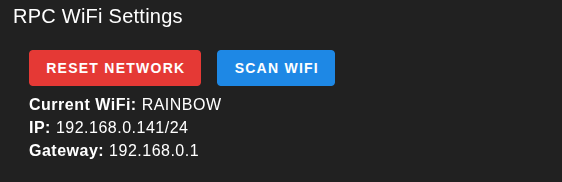
In the Web UI, confirm that the interface is connected and has an IP address.
3.2. Wired
Connect an Ethernet cable to the UPC port to access the internet.