Visualization & Robot Description
RBY1 Description
You can use the robot’s basic TF structure and state publisher through the commands below. When implementing features related to rby1, please use the model files from the corresponding package.
Parameters:
model_name:rby1a,rby1mmodel_versionrby1a:1.0,1.1,1.2rby1m:1.0,1.1,1.2,1.3
source install/setup.bash
ros2 launch rby1_description rby1_state_publisher.launch.py model:=a version:=1_1
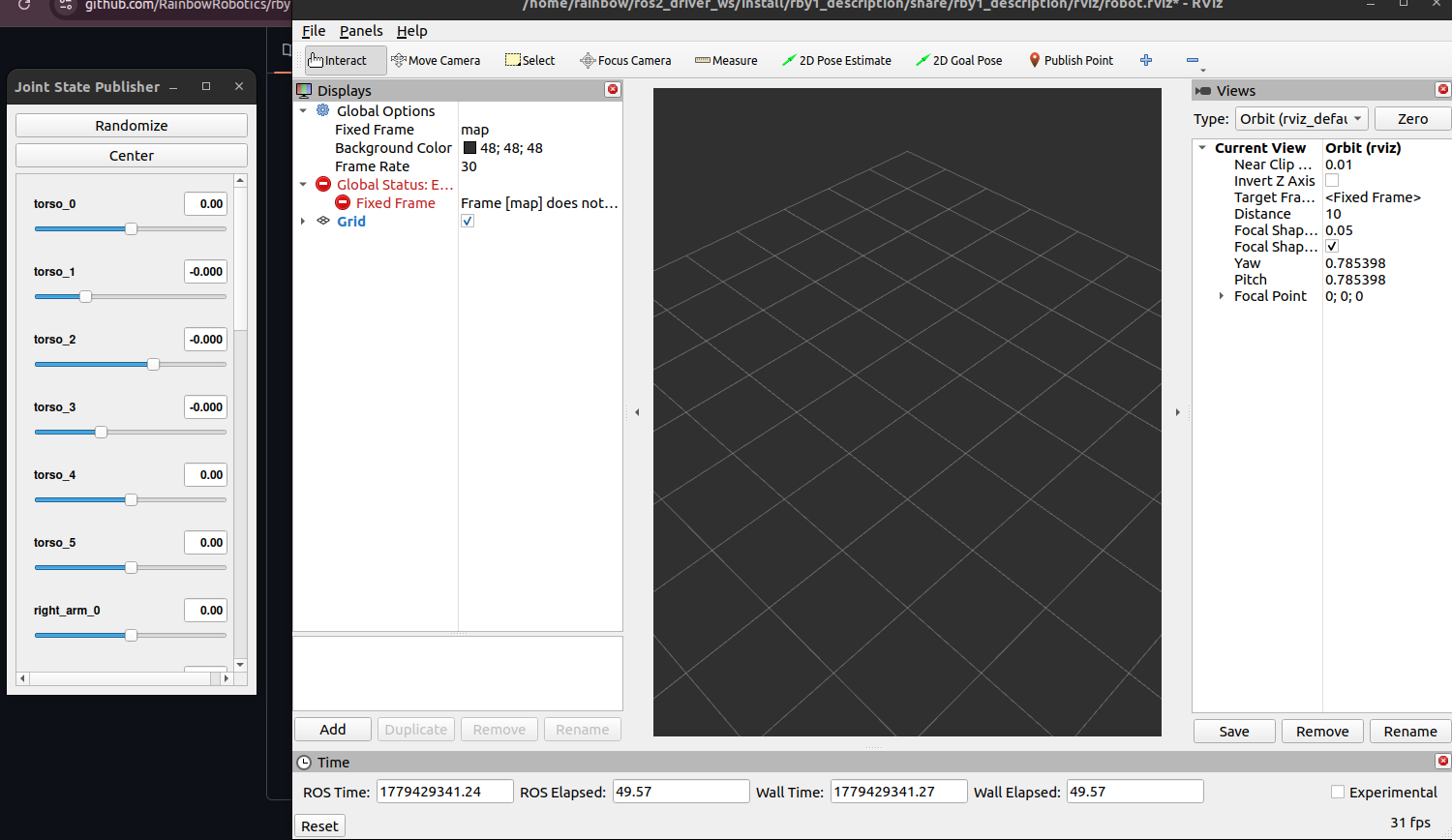
If you launch this command, you can see the following window:
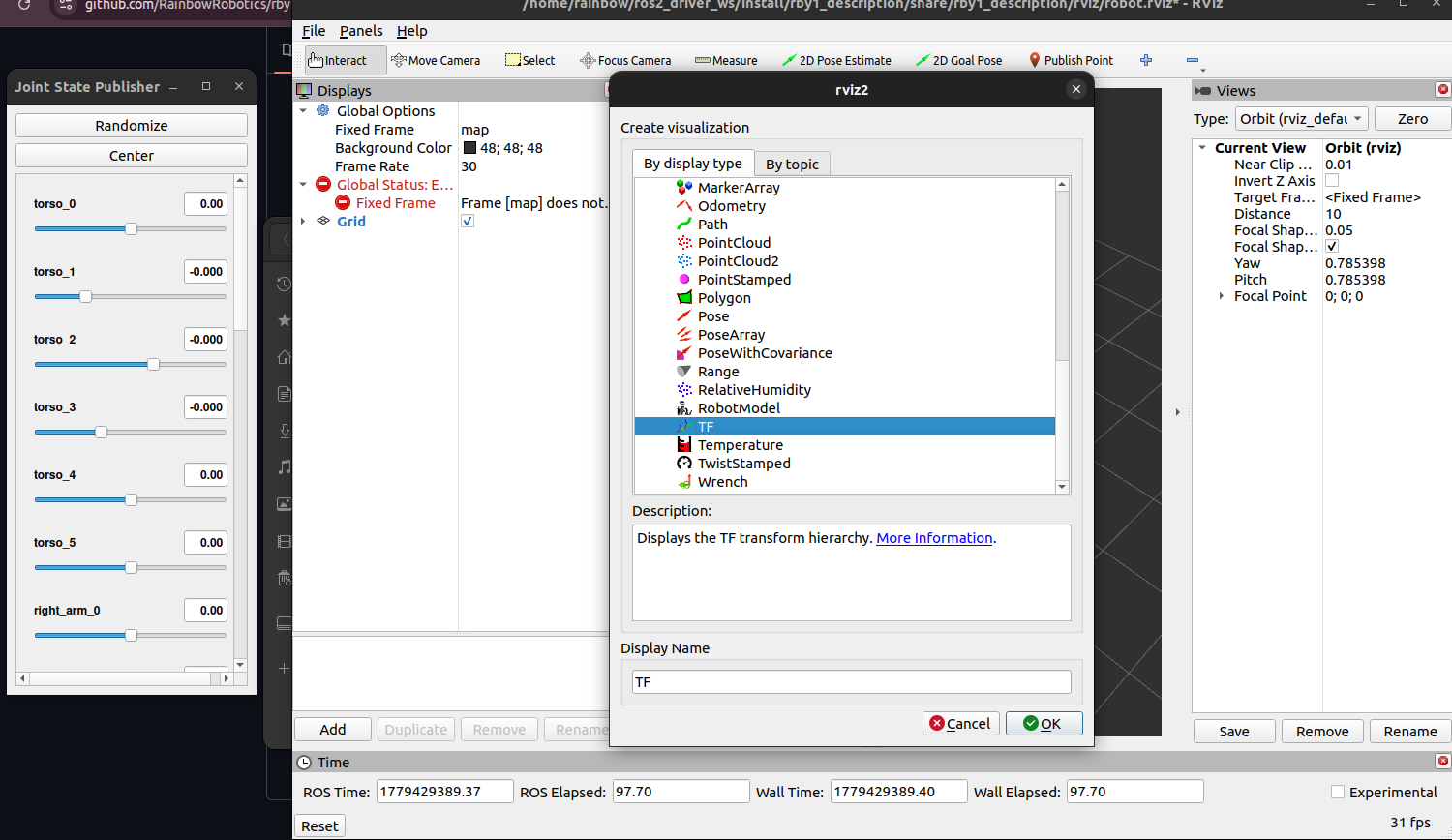
Click ‘Add’, and add plugins
TFandRobotModel:
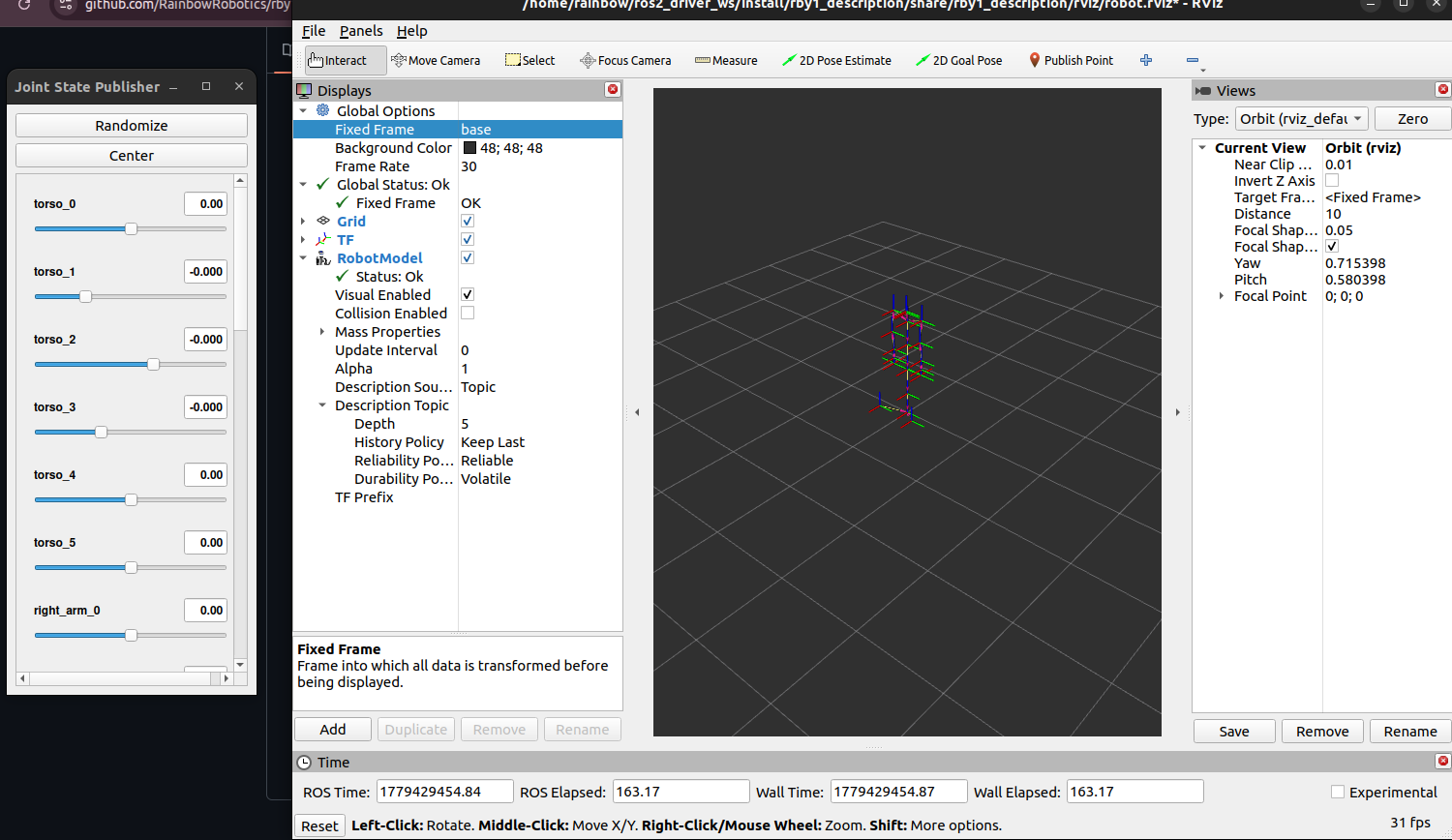
Click ‘Fixed Frame’ and set to
base:
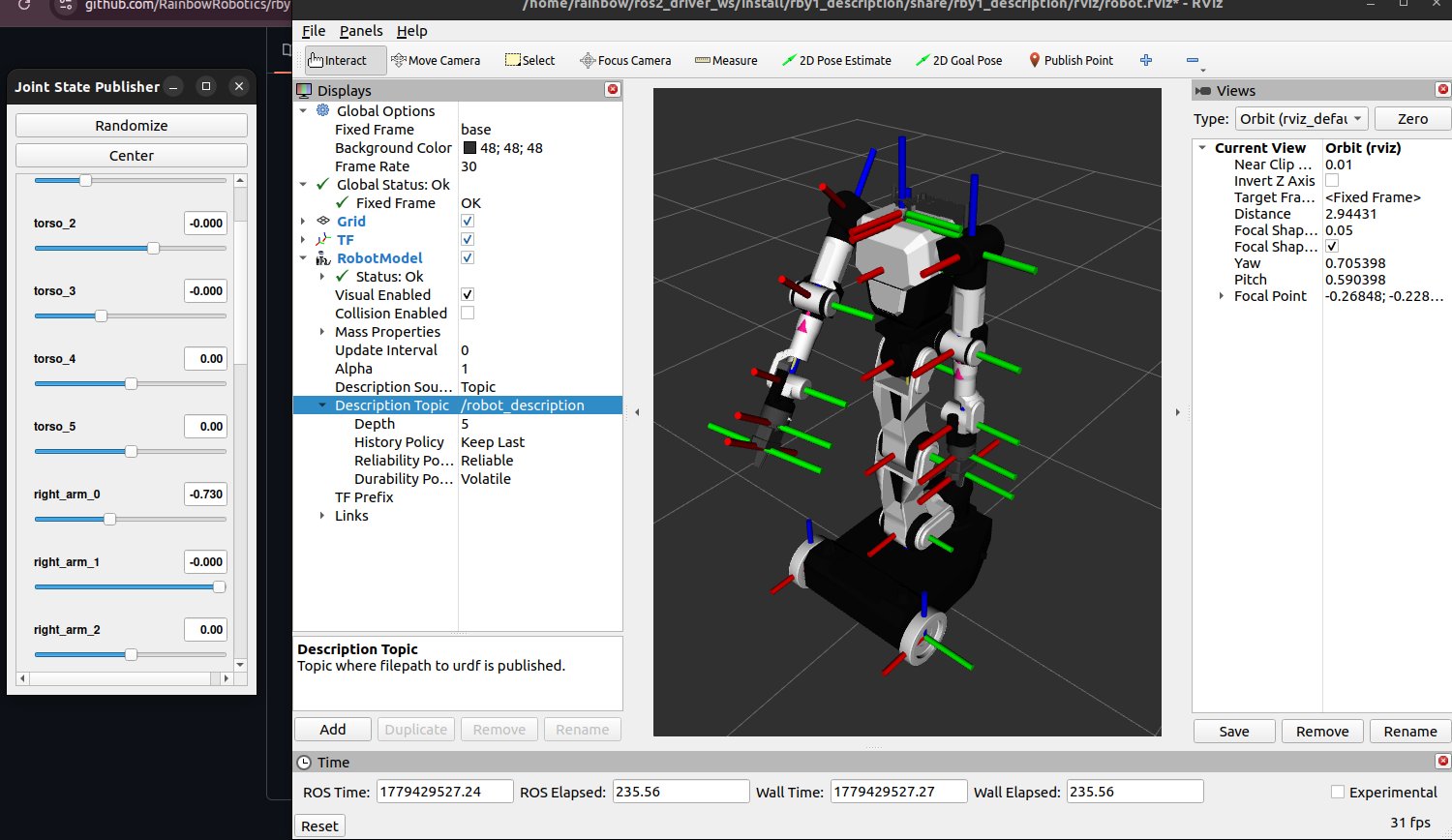
Click ‘RobotModel’, and select Topics ->
/robot_description:
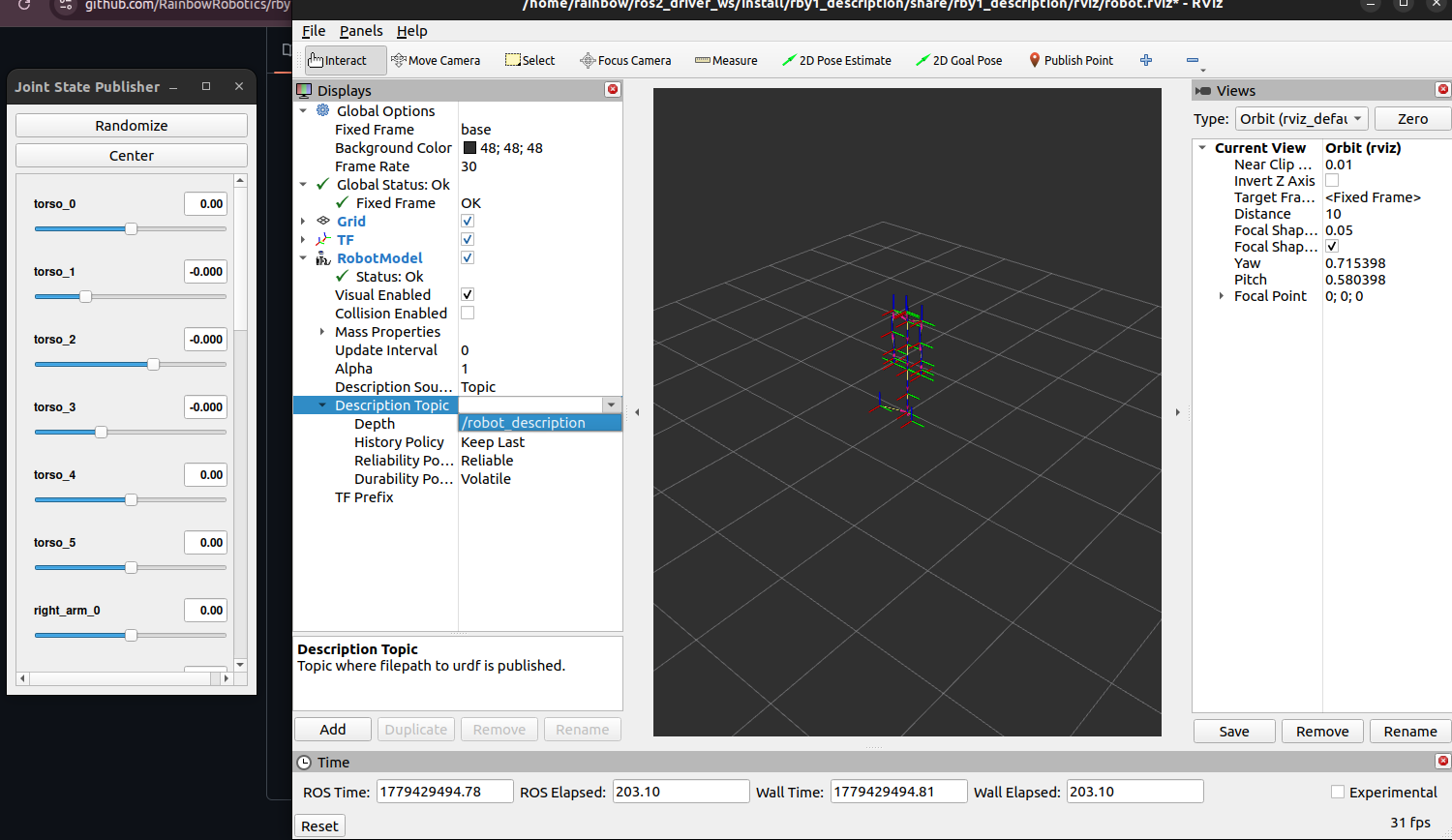
You can now control the robot model using the joint state publisher GUI: