RBY1 MoveIt2
RBY1 Hardware And RBY1 Moveit
The rby1_hardware package provides a ros2_control SystemInterface plugin (rby1_hardware/RBY1SystemHardware) that bridges the RBY1 SDK to MoveIt 2 via the standard ros2_control pipeline.
Each rby1_moveit_* package contains the complete MoveIt 2 configuration (SRDF, kinematics, joint limits, controller configs) for a specific model and version.
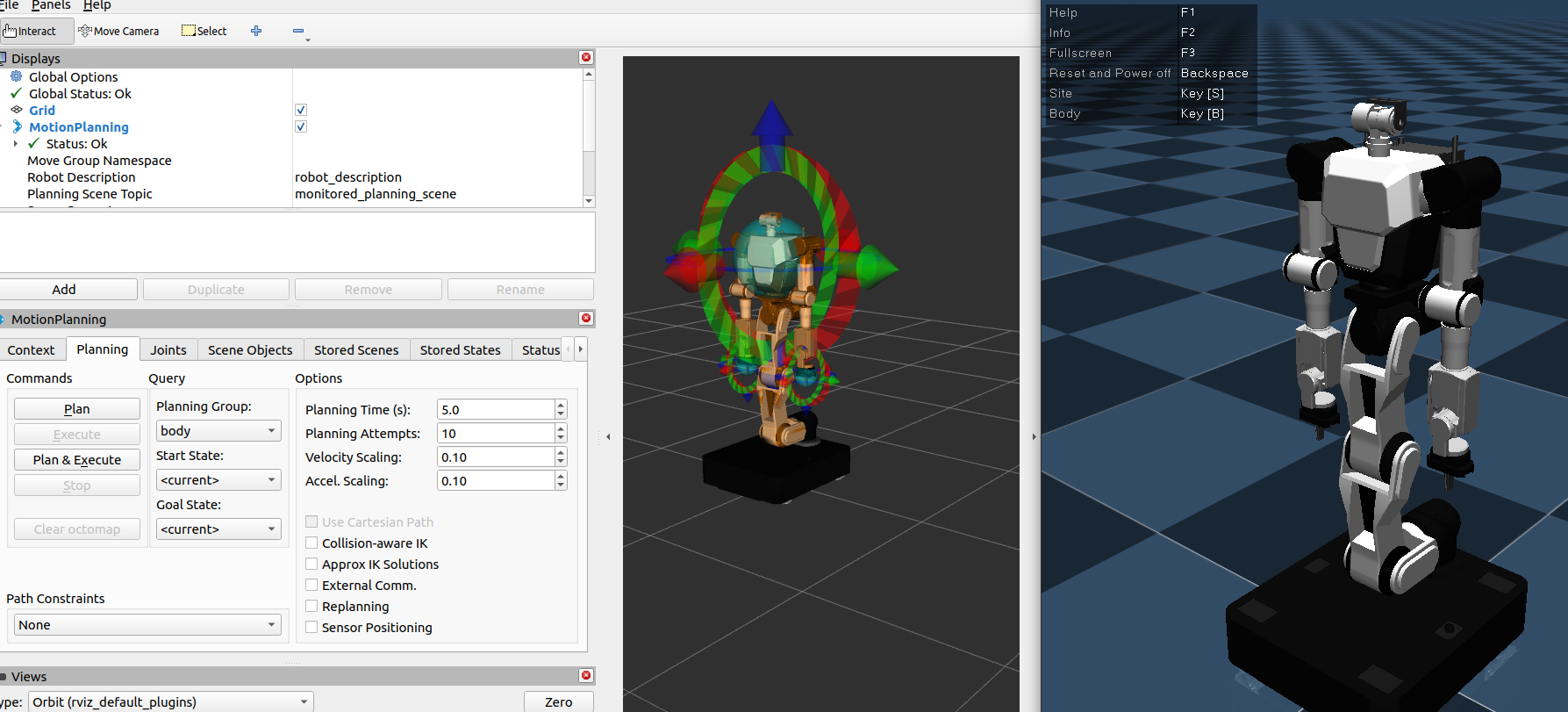
Available MoveIt Packages
Package |
Model |
Version |
|---|---|---|
|
RBY1-A |
1.0 |
|
RBY1-A |
1.1 |
|
RBY1-A |
1.2 |
|
RBY1-M |
1.0 |
|
RBY1-M |
1.1 |
|
RBY1-M |
1.2 |
|
RBY1-M |
1.3 |
Launch MoveIt with Real Hardware
[!IMPORTANT] Real hardware mode requires
rby1_driverto be running first.
RBY1SystemHardwareclaims hardware control from the driver via the/hardware_controlservice on activation. Please check robot ip & model inrby1_driver/config/driver_parameters.yamlAfter check, please change ip in demo.launch.py[!WARNING] Version mismatch risk: The
rby1_hardwareplugin cannot verify the connected robot’s version at runtime.
If therby1_moveit_*package version does not match the actual robot’s version, MoveIt and the robot may be activated with different joint/kinematic configurations, which could cause unexpected commands to be sent to the robot.
Always ensure therby1_moveit_*package version matches the robot’s version before launching with real hardware.
Step 1 — Start the driver (first terminal):
source install/setup.bash
ros2 launch rby1_driver rby1_ros2_driver.launch.py
Step 2 — Launch MoveIt (second terminal), selecting the package that matches your model and version:
# open another terminal
source install/setup.bash

# Real hardware (default: use_fake_hardware:=false)
ros2 launch rby1_moveit_m_1_2 demo.launch.py

# With a custom robot IP
ros2 launch rby1_moveit_m_1_2 demo.launch.py robot_ip:=192.168.30.1:50051

# Fake hardware / simulation (no real robot required)
ros2 launch rby1_moveit_m_1_2 demo.launch.py use_fake_hardware:=true
Replace rby1_moveit_m_1_2 with the package matching your robot.
Launch Arguments
Argument |
Default |
Description |
|---|---|---|
|
|
|
|
|
RBY1 SDK gRPC address and port |
|
|
Robot model type passed to the hardware plugin |
|
|
Top-level namespace of the robot driver node, topics, and services. |
ros2_control Controllers
Each MoveIt package spawns the following controllers:
Controller |
Type |
Controlled Joints |
|---|---|---|
|
|
right_arm_0 ~ ee_right |
|
|
left_arm_0 ~ ee_left |
|
|
base ~ torso_5 |
|
|
head_0, head_1 |
|
|
gripper_finger_r1_joint |
|
|
gripper_finger_l1_joint |
|
|
All arm joints (left + right) |
|
|
Torso + Head + Both Arms |