Isaac Sim
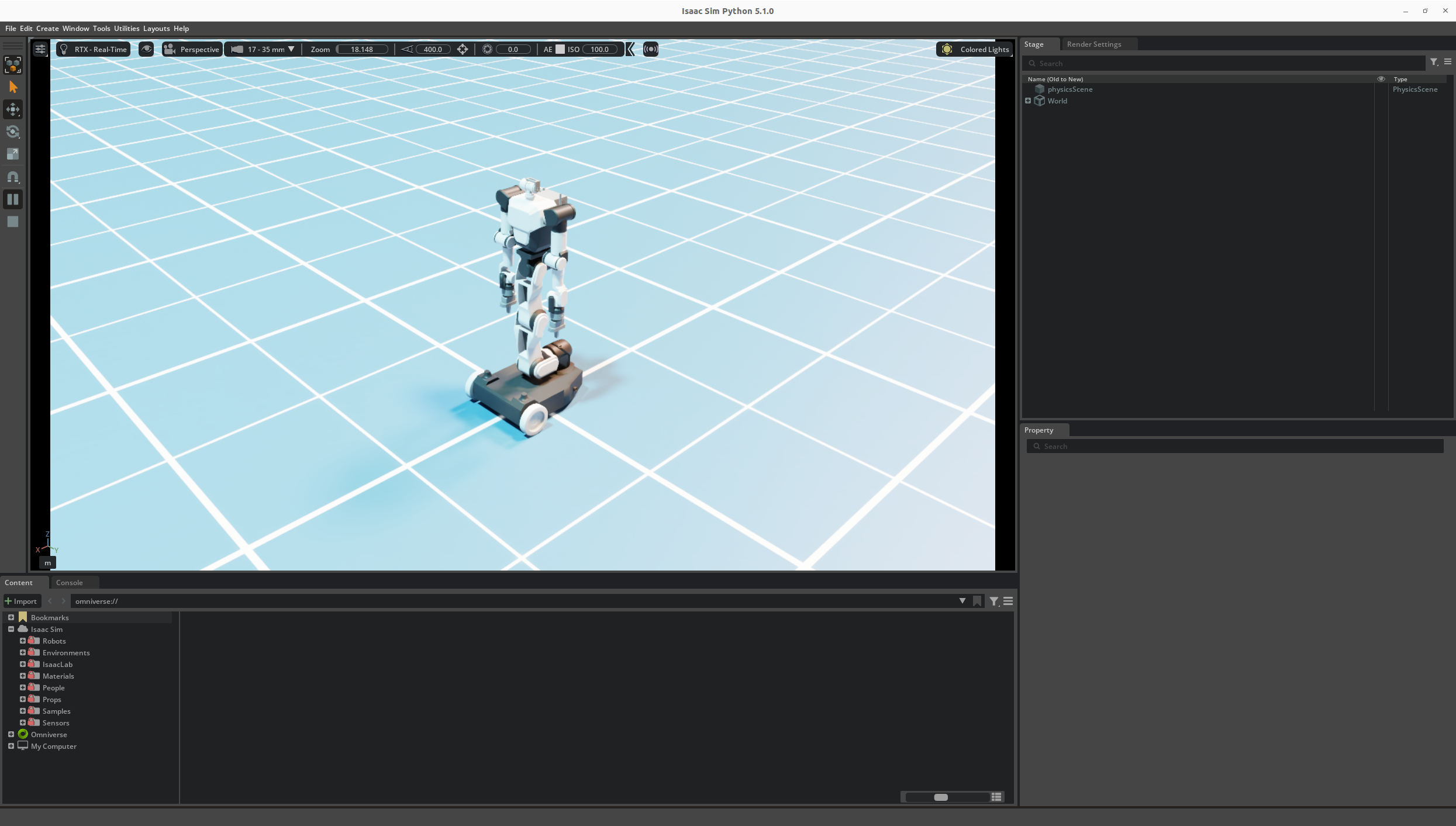
This page explains how to run the RB-Y1 Isaac Sim environment and connect it to rby1-sdk over UDP.
Related repository: RBY1 Isaac Sim on GitHub
Requirements
NVIDIA GPU + driver
Quick start
1. Clone the repository
git clone https://github.com/RainbowRobotics/rby1-sim-isaac.git
cd rby1-sim-isaac
2. Run
Script |
Robot control |
Robot UDP bridge |
|
|---|---|---|---|
|
Built-in standalone PD trajectory |
Disabled by default |
Not started |
|
rby1-sdk / rby1 core commands |
Enabled via |
Started automatically |
rby1-sdk UDP integration mode
Connects rby1-sdk with the Isaac Sim container to enable robot control via rby1 core.
./docker/run_sdk.sh --image 0.10.7-a_v1.2   # Model A v1.2
./docker/run_sdk.sh --image 0.10.7-m_v1.2   # Model M v1.2
Standalone mode
Runs Isaac Sim only. The robot is controlled by the built-in PD trajectory in RBY1Task; no app_main process is started and the robot command/state UDP bridge is disabled.
./docker/run.sh --image 0.10.7-a_v1.2   # Model A v1.2
./docker/run.sh --image 0.10.7-m_v1.2   # Model M v1.2
Supported images
The following images are currently supported. Each image automatically loads the
USD asset matching its model (via the ROBOT_MODEL_NAME env var), so no extra
flag is required.
Tag |
Model |
|---|---|
|
Model A v1.2 |
|
Model M v1.2 |
Docker image tag convention
rainbowroboticsofficial/rby1-sim-isaac:<version>-<model>_v<model_version>

rainbowroboticsofficial/rby1-sim-isaac:0.10.7-a_v1.2   # Model A v1.2
rainbowroboticsofficial/rby1-sim-isaac:0.10.7-m_v1.3   # Model M v1.3
UDP ports
Since --network=host is used, the host and container share the same network namespace.
Ports 5005/5006 are used by rby1-sdk integration mode; ports 5007/5008 are used by the sim gripper bridge.
Port |
Direction |
Description |
|---|---|---|
|
Isaac Sim → rby1-sdk |
RobotState ( |
|
rby1-sdk → Isaac Sim |
RobotCommand ( |
|
User code → Isaac Sim |
Gripper command |
|
Isaac Sim → User code |
Gripper state |
Gripper example
When Isaac Sim is running (with --sim-gripper enabled by default), you can directly control the gripper from the host.
cd examples
pip install numpy          # dependency

# In IsaacSim
python3 gripper_example.py --sim

# Real robot
python3 gripper_example.py
The SimDynamixelBus class in sim_gripper_bridge.py provides the same interface as rby1_sdk.DynamixelBus. By changing just one line (--sim), you can control both the real robot and simulation with the same code.
License
Source files containing the NVIDIA SPDX header are licensed under Apache-2.0.