Operation
Precautions
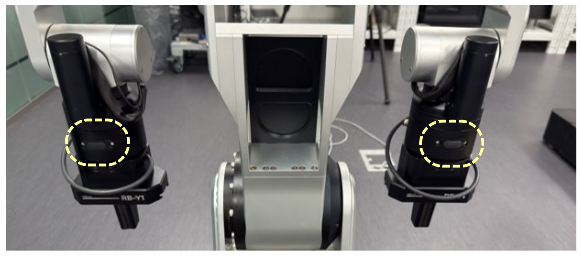
⚠️Caution When Pressing Direct Teaching Buttons Simultaneously
When the Control Manager State is Enabled and Control State is Idle (indicated by a Solid Blue Status LED), you can manually move the robot’s arms using the Direct Teaching buttons.
Torso & Dual-Arm Manipulation: If you press the buttons on both wrists simultaneously, the Torso will also be unlocked and move along with the arms.
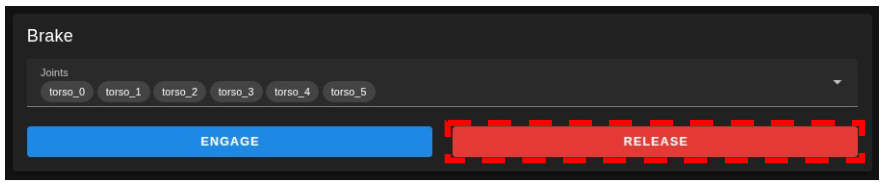
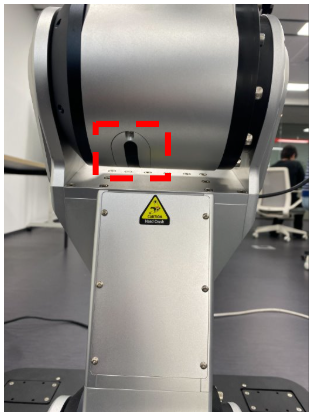
⚠️Caution When Releasing the Torso Brake
When releasing the torso brake using either the brake button or the Web UI, the robot may lose balance depending on its posture.
This may result in unexpected movement or tipping over, especially if the center of gravity is not properly aligned.
⚠️Risk of Hand Injury During Leader Arm Operation
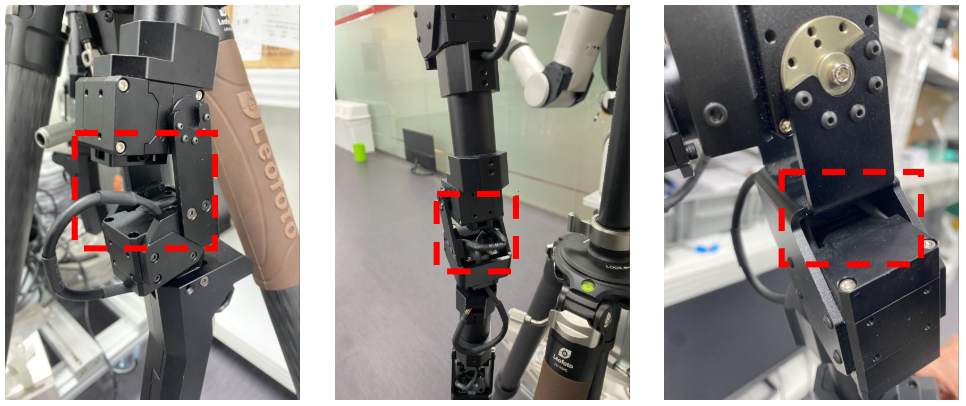
When operating the leader arm, there is a risk of fingers or hands getting caught between joints.
Keep hands clear of all joint spaces during operation.
Always maintain a safe distance and avoid placing hands near moving parts while the robot is active.